
Your AI agent has been refactoring for two hours. It is deep in the codebase, making real progress, and then it stops: “Can I run this migration?” Nothing happens until you answer — and you are not at your desk. You are in line at the grocery store, or waiting at school pickup. That is the exact moment DigitalOcean built Cuttlefish for.
On November 5, 2026, DigitalOcean launched Cuttlefish, a native iPhone app for its Managed Agents platform. From your phone, you can follow a live agent session, see exactly what it wants to do, approve or deny the next step, or start new work — then put your phone away and get on with your day. It is available now on the App Store for Managed Agents customers, while Managed Agents itself remains in public preview.
What Cuttlefish Actually Does
Cuttlefish is a supervision app, not another chatbot. Agents run for minutes, hours, or overnight, and they stop to ask for permission along the way. The app is built for those moments: follow live sessions as replies, reasoning, and tool calls stream in, and get notified when a run needs approval, finishes, or fails.
When an agent wants to act, Cuttlefish shows the request with the full command, file path, or diff — not a summary. You approve or deny it from wherever you are. You can also steer a run mid-flight: send a correction, pause, resume, or stop a session when it is heading the wrong way. Messages you send while the agent works get queued, so you can line up the next task without waiting for the current one to finish.
You can also work with what the agent built. Cuttlefish lets you view websites and documents the agent produced, browse workspace files, create checkpoints, and fork or roll a session back to an earlier checkpoint. When the agent spins up a web server in its sandbox, the app can show you that live preview too.
The Approval Screen Is the Product
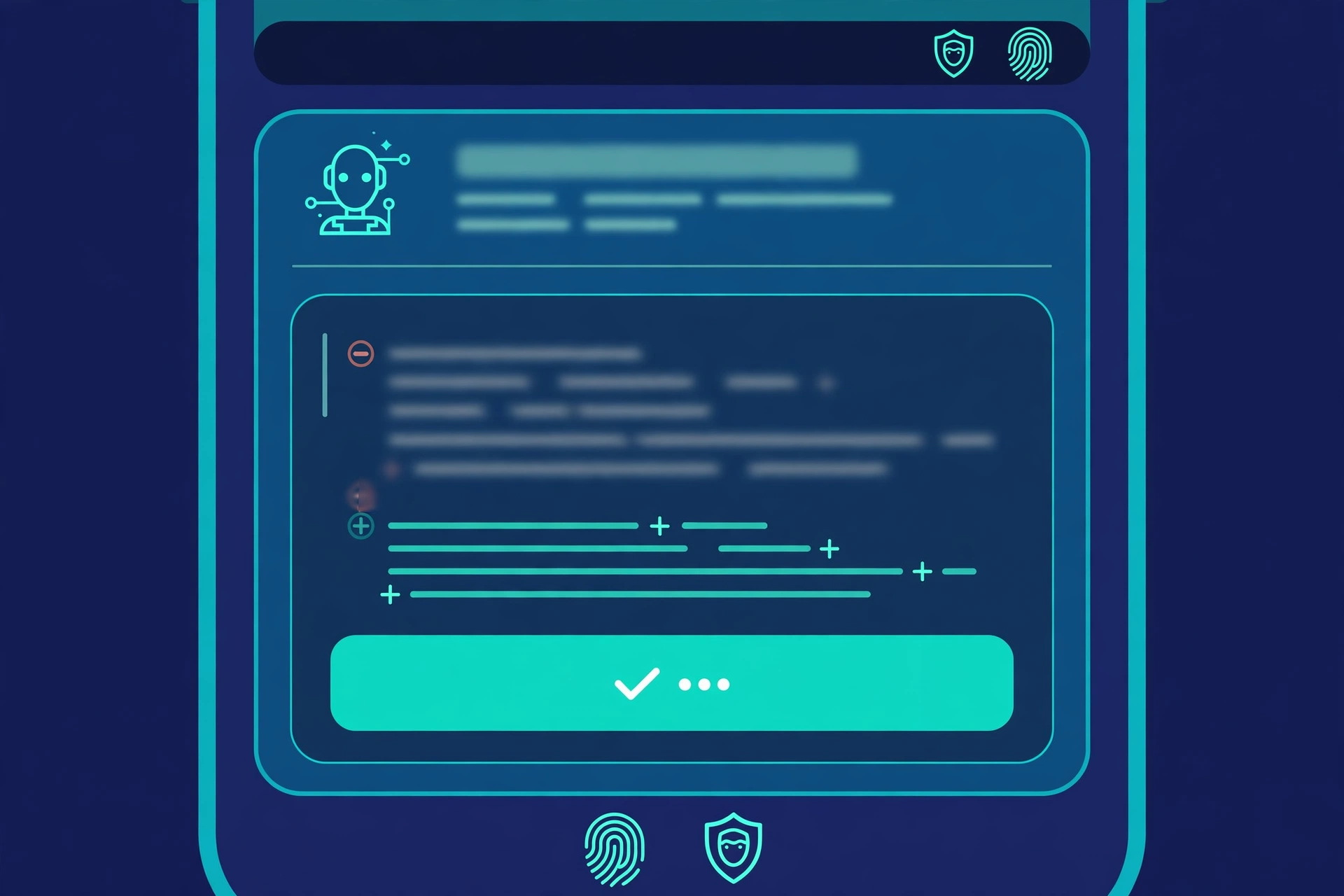
The most important design choice in Cuttlefish is what an approval actually shows. A vague “the agent wants to run a command” would be useless — and dangerous. DigitalOcean shows the full command, the file path, or the diff, so you can judge the specific action rather than trusting a summary of it. When you deny a request, you can add a reason, which is kept with the decision.
Risky requests get extra friction. Cuttlefish marks requests that look risky and explains why — a recursive delete, a force-push, a command run with sudo, or a script piped from the internet into a shell are the examples in the official documentation. Allowing a risky request requires Face ID or your device passcode. That is a small, deliberate piece of security design: the most destructive actions should be the hardest to approve by accident, especially on a phone.
You also decide in advance which actions an agent can take on its own and which are off limits, through the environment’s permission policy. When the policy is set to “ask” for an action, the agent waits for your decision. The point is control without constant watching: you stay in the loop for the consequential steps, not for every routine one.
Your Agent Keeps Running When Your Phone Does Not
Sessions run in DigitalOcean-hosted microVMs that persist independently of any device, so a run does not depend on your laptop staying open — or your phone staying awake. Agents, sandboxes, and tool calls all run on DigitalOcean, so sessions keep running when your phone is locked or offline, or when the app is closed. A teammate can also join or take over a session when you are away.
Billing follows the same logic: it is tied to active CPU use, so agent wait time — the long stretches when an agent is waiting for your approval — has minimal cost. Pausing a session suspends compute and preserves the workspace and conversation, which matters for agents that run overnight.
That persistence is what makes a phone app a sensible control surface rather than a gimmick. The phone is not running the agent; it is a remote control for an agent running in the cloud. If your phone dies, the work continues. If you approve from the grocery store, the agent unblocks immediately.
One App, Many Agent Harnesses
DigitalOcean built Managed Agents around three principles — choice, control, and collaboration — and Cuttlefish inherits all three. Choice means you pick the harness your team already uses: Managed Agents runs Claude Code, Codex CLI, OpenCode, OpenHands, Hermes, LangGraph, and CrewAI, with the models and more than 20,000 tools that fit the work. Cuttlefish supervises all of them, so the app in your pocket is not tied to a single vendor’s agent.
That vendor-neutral stance matters because the agent market is fragmenting fast. Perplexity’s always-on Teammates, DeepSeek’s open-source dsh-superagent, and Cursor’s new voice chat with coding agents all point in the same direction — agents that keep working between prompts — but each one wants to own the interface. A supervision layer that works across harnesses is a different bet: the runtime, not the model, becomes the product.
Control is the permission policy and the approval screen described above. Collaboration is the shared session: you can see who is in a session, hand it to a teammate, and work from the same files. Cuttlefish caches transcripts on the device, so reopening a session picks up where you left off instead of replaying its history.
Box Mount Brings Your Real Files Into the Agent’s Workspace
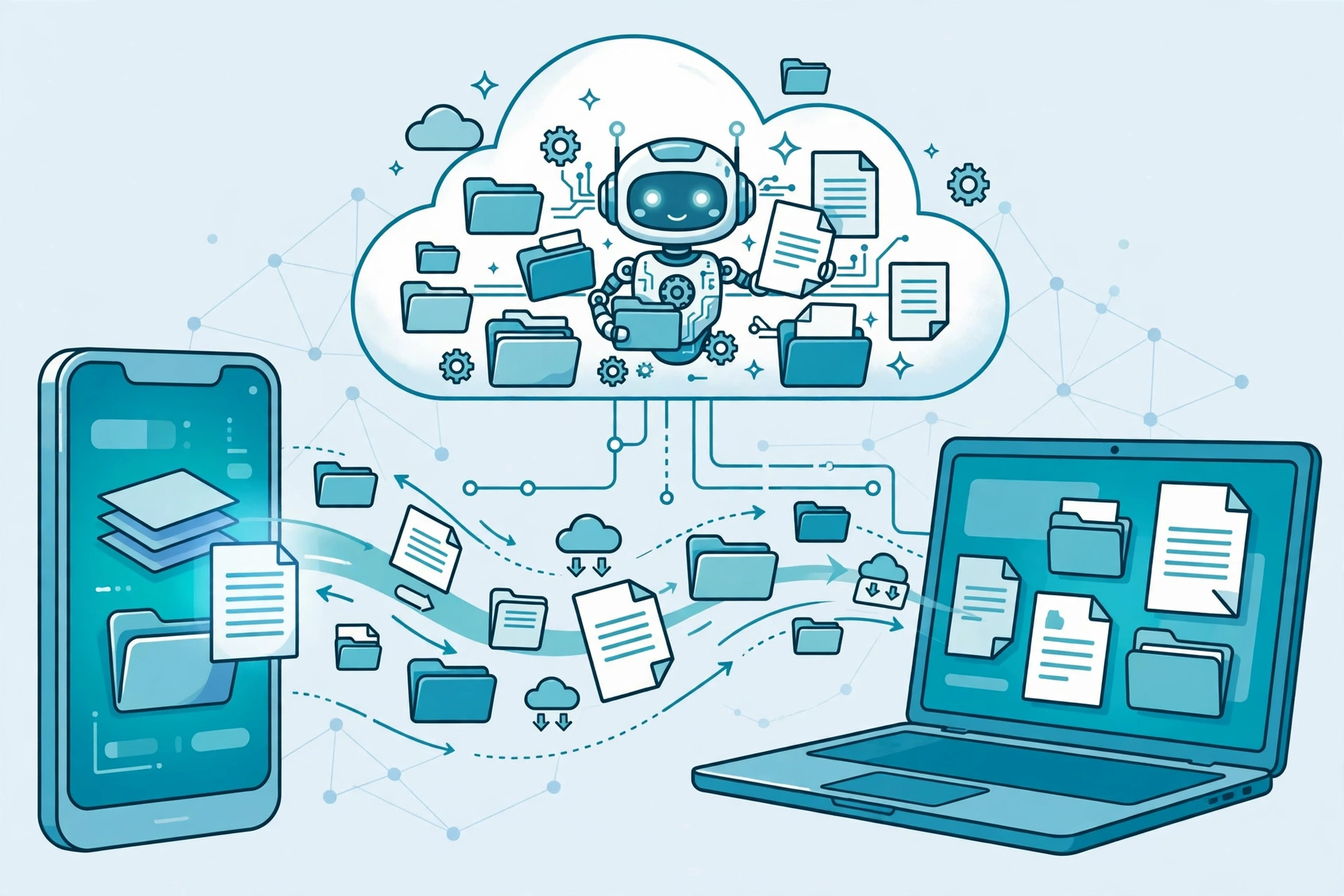
Alongside Cuttlefish, DigitalOcean announced a collaboration with Box, with Box as the launch partner. Box Mount, now in private preview, syncs a Box folder into every session of a Managed Agents environment, so agents work on the same files your team already uses — under Box’s permissions, version history, and audit trail.
In Cuttlefish, you open Customize, then Tools, then Box, sign in, and pick a folder. The agent works on plain files in its workspace. Its edits upload to Box, and changes made in Box show up in the workspace. Each person syncs with their own Box account. One warning worth noting: the agent can edit and delete files in the synced folder, and deletions sync back to Box — so the permission policy matters even more when real business files are in scope.
DigitalOcean’s example is a fictional legal team that keeps vendor contracts in a Box folder. An agent working on that folder stops to ask permission before writing a summary. On the way to a trial, a lawyer approves from their phone, and the summary lands back in the Box folder, where any colleague with access can see it right away. No one has to email a file or ask who has the latest copy. The same pattern fits finance, engineering, and support teams working from shared documents.
Getting Started, and the Fine Print
Getting started takes four steps: create a DigitalOcean account if you do not have one, download Cuttlefish from the App Store, sign in with your DigitalOcean account, and start a session by choosing your coding agent — including Claude Code, OpenCode, and Codex CLI. You will need an iPhone running iOS 26.5 or later, and a DigitalOcean account on a team with access to Managed Agents. Sign-in requests several OAuth scopes for agent sessions and tools; allow all of them, or sign-in fails.
There are limits worth knowing before you rely on it. You cannot answer a question the agent asks in Cuttlefish — answer it from doctl, or dismiss it in the app. You cannot edit code or do in-depth code review, create or edit Toolbelts, or edit the tools on an existing environment from the phone; use the Control Panel, doctl, or the API for those. Notifications arrive promptly while Cuttlefish is open, but in the background iOS decides when the app checks for changes, so notifications can arrive many minutes late — and they do not arrive at all after you force-quit the app.
On privacy, sign-in tokens are stored in the iPhone Keychain only and are not synced to your other devices; signing out revokes them. Cached transcripts and session lists are excluded from device backups and deleted when you sign out. Dictation uses on-device speech recognition, and audio is not sent to DigitalOcean. The app includes no analytics, advertising, or crash-reporting SDKs and does not track you. Prompts, files, and photos you send do go to DigitalOcean and to the model provider your environment uses.
Why the Name Cuttlefish?
DigitalOcean says most product names describe what the product does, and it wanted one that says something more. The cuttlefish is one of the most dynamic camouflaging animals in the ocean: it adapts to its environment, changing its colour, pattern, and texture to match whatever is around it. The company calls that a good metaphor for an agent, which has to adapt to the harness, tools, and models around it. The name, it says, points at what the app is about: choice, control, and collaboration, from wherever you are.
Whether Cuttlefish matters will depend on how often agents actually stall waiting for a human — and how often that human is away from a desk. If your agents run long, unattended jobs, a phone approval that shows the full diff is a genuine unblocker. If your agents mostly run short tasks while you watch, it is a convenience. Either way, the direction is clear: the bottleneck in agentic work is no longer the model. It is the human in the loop — and now that human can answer from anywhere.
Related Reading and Sources
- Cursor now lets you talk to your AI coding agent out loud — read our coverage of Cursor Voice Chat with Agents: https://inspireviraltimes.com/cursor-voice-chat-ai-coding-agent-grok-voice/
- Perplexity Teammates brings always-on AI agents to ongoing work — see how persistent agents are changing teamwork: https://inspireviraltimes.com/perplexity-teammates-always-on-ai-agents-work/
- DeepSeek open-sourced dsh-superagent, a coding agent for whole teams — our look at the router-worker design: https://inspireviraltimes.com/deepseek-dsh-superagent-open-source-coding-agent/
- Salesforce Koa Decisions makes enterprise agents faster with small decision models — read our coverage: https://inspireviraltimes.com/salesforce-koa-decisions-ai-decision-model/
- DigitalOcean’s official announcement, “Introducing DigitalOcean Cuttlefish: Get more done with agents on the go”: https://www.digitalocean.com/blog/introducing-cuttlefish
- DigitalOcean’s official Cuttlefish documentation: https://docs.digitalocean.com/products/managed-agents/agent-harness-runtime/how-to/use-cuttlefish-ios-app/
- DigitalOcean’s launch release with Box as launch partner: https://www.businesswire.com/news/home/20261105500943/en/DigitalOcean-Launches-Cuttlefish-to-Supervise-AI-Agents-From-Anywhere-With-Box-as-Launch-Partner