The average home now has 24 connected devices, up from 22 last year. That steady growth is the backdrop to Bitdefender and NETGEAR’s 2026 IoT Security Landscape Report, published on October 28, 2026. The study analyzed 5.4 billion security events and about 1.2 billion vulnerability observations from roughly 10.4 million protected home routers between January and September 2026. Its headline finding is striking: three familiar device types — smart TVs, smart plugs and network-attached storage (NAS) — account for 67.1% of all vulnerability observations.
A vulnerability observation is a recorded match between a device and a known flaw. It is not a count of successful attacks, but it shows clearly where exposure concentrates. The joint Bitdefender–NETGEAR announcement underlines the same point: the weakest links in many homes are not exotic gadgets, but everyday equipment that stays connected for years.
The Three Devices Behind Two-Thirds of the Problem
Smart TVs led with 22.7% of observations, or 270.3 million, followed closely by smart plugs at 22.4% (266.7 million) and NAS devices at 22% (261.6 million). A year earlier, streaming devices and smart TVs led the list, so this shift points toward long-lived equipment rather than the newest trend. The pattern matters because these are devices people tend to install, set up once, and then largely forget.
Almost all of the observed device vulnerabilities — 99.97% — were publicly catalogued CVEs, while weak passwords and plaintext authentication made up a fraction of one percent. That balance is a useful corrective: patching, firmware support and basic device management matter more than most people assume, even though strong passwords still have an important role.
Why Gadgets You Keep for Years Pile Up Risk
People typically replace TVs, plugs and NAS boxes on a five-to-ten-year cycle, but software support often ends after about four years. That gap leaves devices online beyond their update window. A television can stay perfectly useful long after updates stop, a smart plug can sit forgotten behind furniture for years, and a NAS can hold irreplaceable family files while running services its owner rarely reviews.
The report frames each vulnerable device as potentially four things at once: a target, a proxy relaying third-party traffic, a sensor gathering information, and a foothold into the wider home network. Smart TVs are where all four roles converge, which is why they deserve particular attention even when they seem to be working normally.
Your TV Can Work for Someone Else
The report discusses independent research into residential proxy software bundled into some smart-TV apps. Such software can quietly relay third-party internet traffic through a household’s connection, so requests appear to come from that home. Some providers present participation as an alternative to advertising and say they require consent, but owners should still ask who uses their connection, what those users can do, and how participation can be stopped.
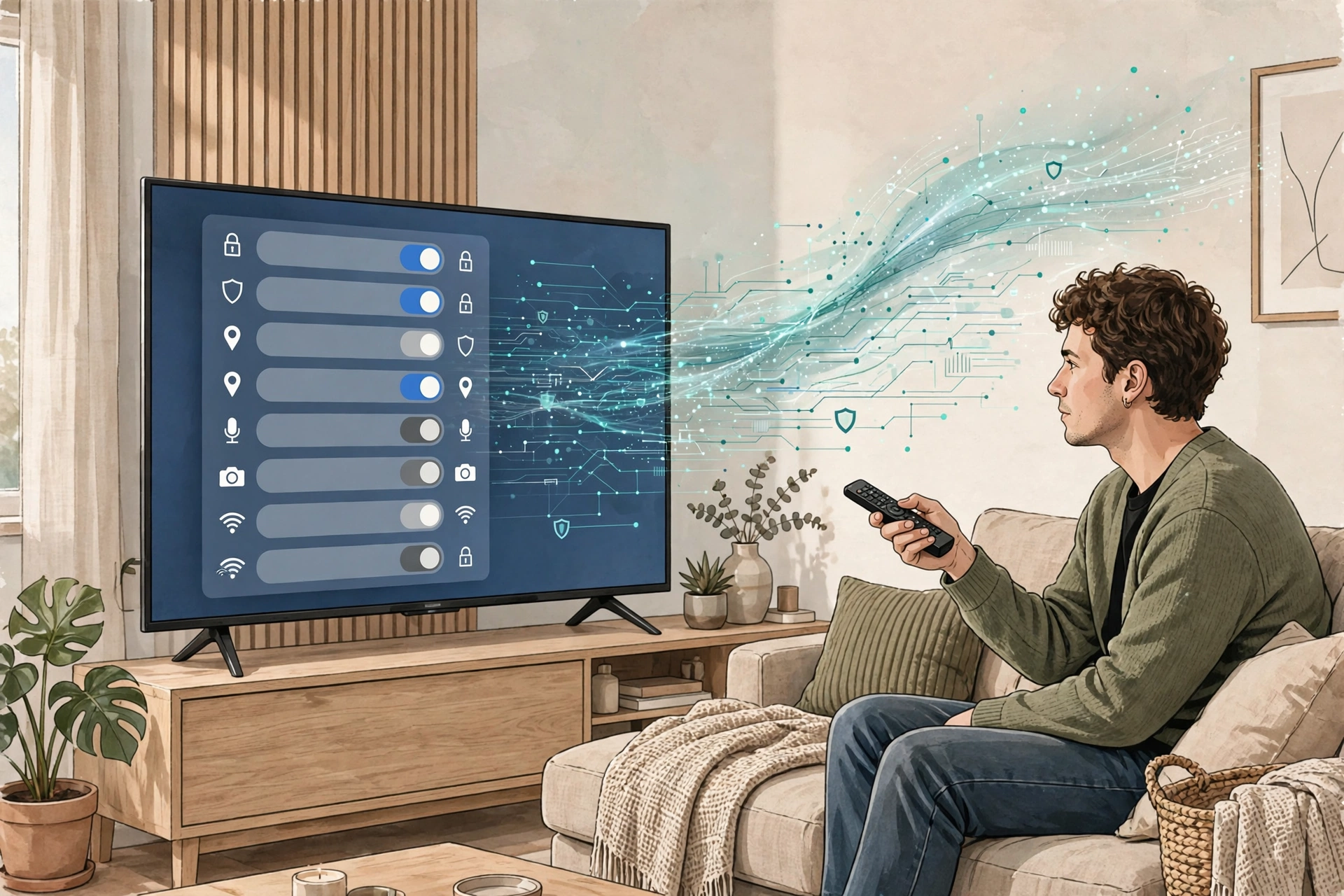
Televisions also raise a privacy question through automatic content recognition (ACR), which identifies on-screen content and supplies viewing data for advertising. This is different from malware that secretly recruits devices into a botnet, but both show why a home’s internet address and bandwidth have value to others. Checking an app’s purpose, its permissions and its privacy settings is therefore part of owning a smart TV, not an optional extra.
The Background Noise: Scans and Brute-Force Logins
Port scans made up 4.85 billion events, or 90.1% of attack-category activity. That is reconnaissance — checking which services answer at an address — not proof of compromise. Still, it is a reminder that internet-connected services are probed constantly, whether or not anyone in the household notices.
Brute-force login attempts added 466.6 million events, of which 455 million targeted Windows Remote Desktop Protocol (RDP). The lesson is direct: remote-access services should never be left openly reachable from the internet. If remote access is genuinely needed, it should be locked down, limited and monitored, rather than exposed by default.
A Practical Smart-Home Security Checklist
- Inventory every connected device and check whether it still receives updates.
- Enable automatic firmware updates and retire gear whose security support has ended.
- Use unique passwords and remove default credentials.
- Review remote-access settings, disable unnecessary port forwarding and UPnP, and keep admin interfaces off the public internet.
- Keep a separate backup of important files.
- Remove unused TV apps and review privacy, viewing-data and connection-sharing settings.
- Consider network-level protection at the router for devices that cannot run endpoint security software.
For router placement and network setup, see Wi-Fi 7 in 2026: Should You Upgrade, or Just Move Your Router? For broader online defenses, see AI Phishing Is Getting Harder to Spot in 2026. And for stronger sign-in habits, see Passkeys in 2026: Passwords Are Losing, But Most People Still Haven’t Switched.
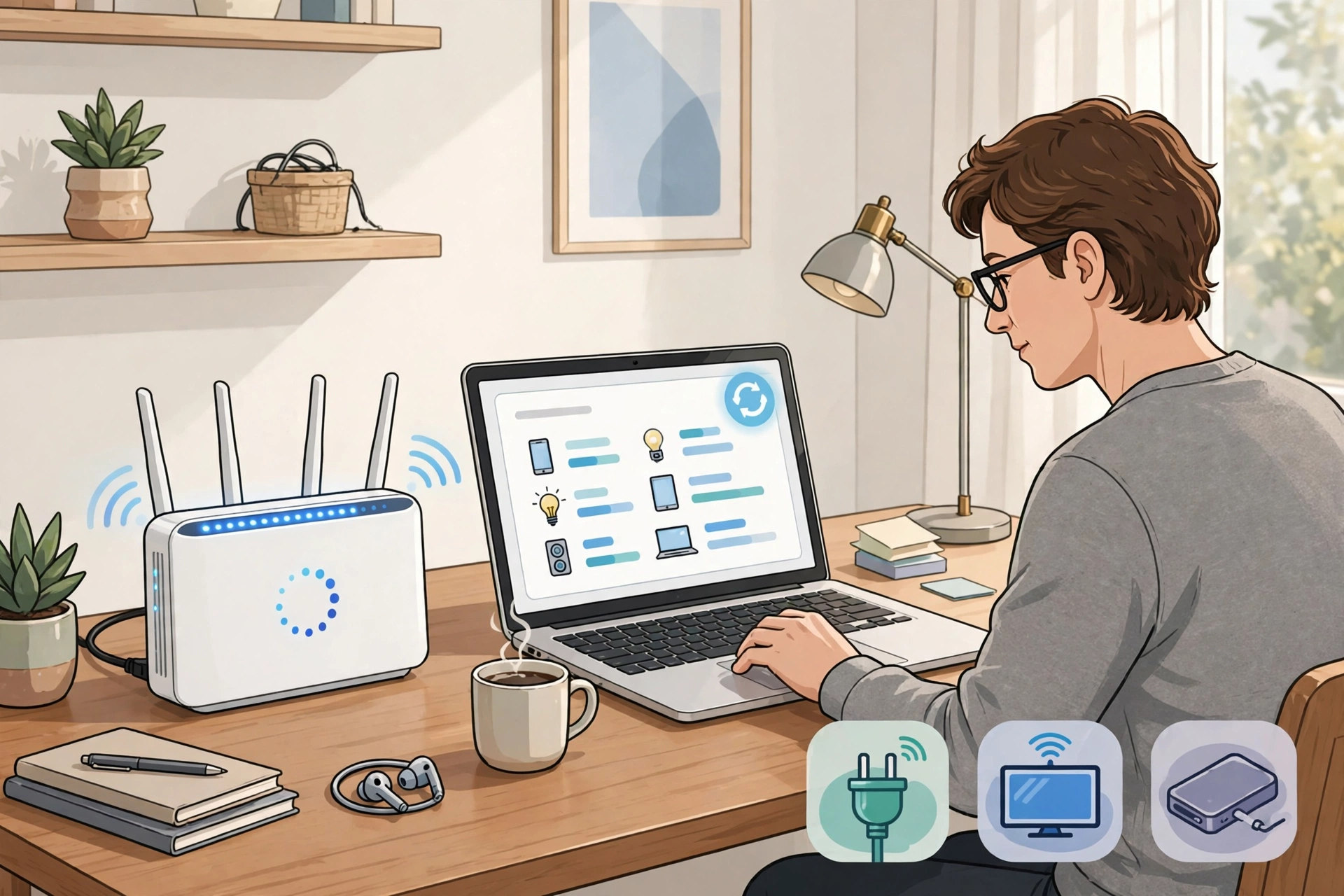
The report’s message is not to fear the smart home, but to manage it like any other part of the house — check what is connected, keep what is supported, and retire what is not. A single large incident can also be a useful warning about scale: the Binance Hack: What Happened in the $6.3 Billion Crypto Security Breach? shows why one breach matters far beyond its first victims. At home, the equivalent is simpler and more controllable: fewer forgotten devices, current software, sensible passwords and a router that is actually configured, not just plugged in.