
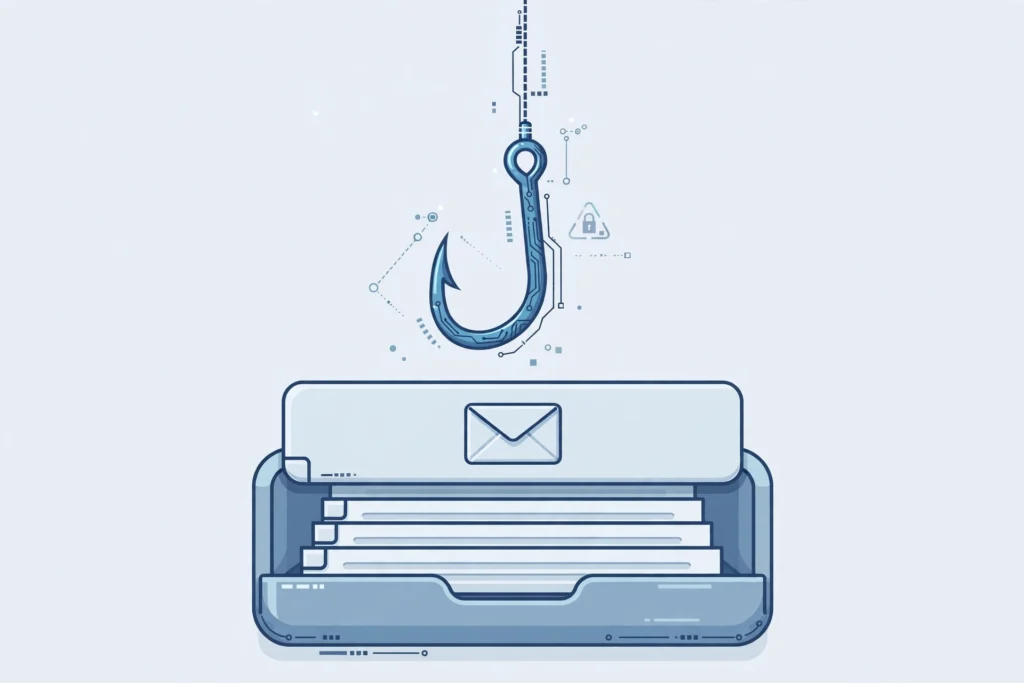
Phishing used to be easy to spot. A misspelled email from a supposed bank, a strange link, a sender address that did not quite match — those were the warning signs most of us learned. In 2026, those signs are fading fast. Generative AI can now write flawless emails, clone a voice from a few seconds of audio, and build a convincing fake login page in minutes. The result is not a new kind of crime, but an old one operating at a much larger scale and with far greater polish.
The numbers underline the shift. The FBI’s Internet Crime Complaint Center, in its 2025 Internet Crime Report released in April 2026, recorded AI-related complaints for the first time as a formal category: more than 22,000 complaints with reported losses of nearly $900 million. Phishing remained the most-reported category overall, and reported phishing losses rose sharply year over year. The message is clear: attackers are not just sending more messages, they are sending better ones.
Why AI phishing works so well
Traditional phishing relied on volume. Send a million generic emails and a small percentage of people will click. AI phishing relies on precision. Tools can scrape public profiles, company announcements, and social media posts to personalize a message — referencing a real project, a real colleague, or a recent purchase. That context lowers suspicion in exactly the moment when suspicion matters most.
Voice and video cloning raise the stakes further. A short call that sounds like a boss asking for an urgent wire transfer, or a relative asking for help, can bypass the skepticism people apply to email. The FBI has warned about criminals impersonating government officials and executives with AI-generated audio and video. The technology is no longer a laboratory curiosity; it is a routine part of the scammer’s toolkit.
1. Slow down on urgency
Urgency is the attacker’s best friend. “Your account will be closed in one hour,” “Transfer this now or the deal falls through,” “I need gift cards immediately” — these phrases are designed to short-circuit careful thinking. Make it a personal rule: any message that demands immediate action involving money, passwords, or sensitive data gets a pause, no matter who it appears to come from. Legitimate organizations rarely require instant, irreversible action over email or text.
2. Verify through a second channel
If a message asks you to do something sensitive, do not reply to that message to verify it. Contact the person or organization through a channel you already trust: a number from their official website, an internal company directory, or a face-to-face conversation. This single habit defeats most impersonation attempts, including voice clones, because the attacker controls only the first channel, not the second.
3. Switch to passkeys and app-based two-factor authentication
Passwords alone are no longer enough, and text-message codes can be intercepted or phished. Wherever possible, turn on passkeys, which are tied to the real website and cannot be tricked into working on a fake one, or use an authenticator app. For your most important accounts — email, banking, and cloud storage — this upgrade alone closes off a large share of phishing attacks, because even a stolen password is not enough to get in.
4. Inspect links before you click — and type addresses yourself
Hover over a link to see where it really leads, and be suspicious of shortened URLs, lookalike domains, and unexpected attachments. For banks, payment services, and work systems, the safest habit is to type the address yourself or use a bookmark you created, rather than following a link in a message. A few extra seconds here prevents most credential-theft pages from ever loading.
5. Set a family and team code word
Voice cloning makes “it sounded exactly like them” an unreliable test. Families and small teams can agree on a simple code word or question that only real members know, to be used whenever an unusual request for money or access arrives by phone or video. It sounds old-fashioned, and that is the point: it is a check that AI cannot easily fake without prior knowledge.
6. Keep software updated and use a password manager
Many phishing campaigns succeed only after an earlier compromise, such as malware that steals saved passwords. Automatic updates close the security holes attackers exploit, and a password manager helps in two ways: it generates unique passwords for every site, and it will not autofill your credentials on a fake domain that only looks like the real one. That second behavior is a quiet, powerful phishing detector.
7. Report it, even if you did not fall for it
Report phishing emails to your email provider, suspicious texts to your carrier, and fraud attempts to the FBI’s Internet Crime Complaint Center at ic3.gov. Reporting helps providers block the campaign for the next person, and it gives law enforcement the data that tracks how these scams evolve. If you did share credentials or send money, change passwords immediately, contact your bank, and report it without embarrassment — speed matters more than pride.
The bottom line
AI has made phishing more convincing, but it has not made it unstoppable. The defenses that work in 2026 are not exotic: pause on urgency, verify through a second channel, use passkeys and app-based authentication, inspect links, agree on a code word, keep software updated, and report what you see. Attackers scale with technology, but so can good habits. The goal is not to spot every fake perfectly — it is to build enough friction into the process that a single convincing message is never enough to cause real harm.
Related reading: passkeys in 2026, Black October API key breaches, remote tech careers in 2026. External sources: FBI Internet Crime Complaint Center, FIDO Alliance passkeys