Passwords were supposed to be dead by now. They are not. But in 2026, the replacement for them is finally real, widely available, and — for the accounts that matter most — measurably safer. The strange part is how slowly most of us are actually using it.
That replacement is the passkey. If you have signed in to Google, Apple, Microsoft, Amazon, or GitHub in the past year, you have probably been offered one. You may have clicked past it. This post explains what passkeys actually do, why adoption is still lagging behind availability, and how to switch safely without locking yourself out.
What a passkey actually is
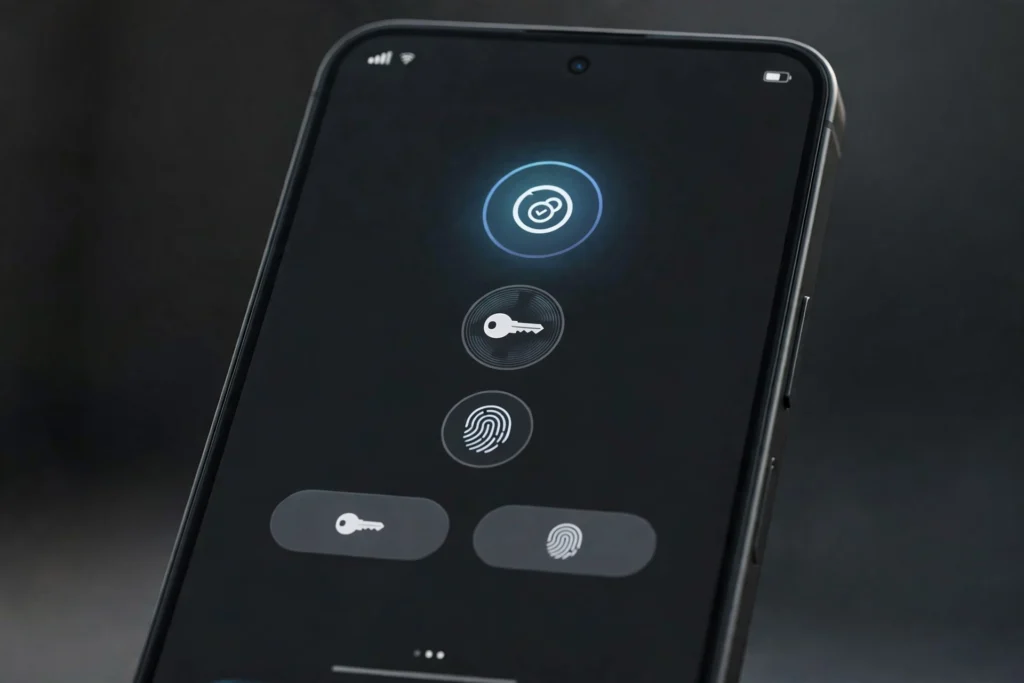
A passkey is not a longer password, and it is not a code sent to your phone. It is a pair of cryptographic keys created for one specific website or app. Your device keeps the private key — usually protected by your fingerprint, face unlock, or device PIN — and the website keeps only the public key.
When you sign in, your device proves it holds the private key for that exact site. There is nothing for you to type into a fake login page, nothing to reuse across sites, and no shared secret for attackers to steal in a database breach. That site-binding is the key point: a passkey made for your bank will not work on a lookalike phishing site, even if you are tricked into visiting it.
In practice, signing in feels simpler than a password. You choose the passkey, confirm with biometrics or a PIN, and you are in. No password to remember, no six-digit code to copy before it expires.
The adoption gap: available everywhere, used less often
Availability is no longer the main problem. The latest Dashlane Passkey Power 20 report, based on millions of aggregated, anonymised authentications managed through Dashlane between July 2025 and June 2026, shows a clear gap between offering passkeys and people routinely using them.
Passkeys accounted for 28 percent of measured Google logins in that study — the highest share among the major platforms named — followed by 23 percent at GitHub and 21 percent at HubSpot. Microsoft domains were at 6 percent and OpenAI at 4 percent. Those figures describe activity observed through Dashlane, not every login those companies process, but the direction is clear: even where passkeys are prominent, passwords still handle most logins.
At the same time, momentum is real. Dashlane reported that monthly passkey authentications among its users nearly doubled to 2.5 million, and the share of its users storing at least one passkey rose from 40 percent to 57 percent over the past year. Some services saw very fast quarter-on-quarter growth in passkey authentication activity between the first and second quarters of 2026, including Experian, Meta, and Ticketmaster. Growth from a small base can look dramatic, but it still signals that more people are trying passkeys for the first time.
The honest summary is this: passkeys have crossed from experiment to everyday option, but the password era is ending slowly, not overnight.
Why switching still stalls
First, habit is powerful. Passwords are familiar, even when they are annoying. A prompt to create a passkey at the end of a long day is easy to dismiss with “maybe later.”
Second, recovery worries people — reasonably. If you lose your phone, what happens to your passkeys? Synced passkeys stored in your phone’s keychain or a password manager can move to a new device, which helps. Device-bound passkeys on a hardware security key do not sync, so losing the key without a backup is a bigger problem. The fix is planning recovery before you need it, not after.
Third, many sites still keep the password as a fallback. That is convenient, but it also weakens the benefit: if an attacker can still phish your old password, the account is only as strong as that fallback. Until more services let you remove the password after adding a passkey, passkeys are a major upgrade, not a magic shield.
How to switch safely in about 30 minutes
Start with your most valuable accounts, not all of them at once. Email first, then your password manager, bank, and the main accounts tied to payments or identity. Your email account is the recovery hub for almost everything else, so protecting it pays off the most.
For each account, go to its security or sign-in settings, look for “passkey,” “passwordless,” or “sign-in options,” and follow the prompt to create one. Save it in the place you already trust — your phone’s built-in keychain or your password manager — and make sure that keychain or manager itself is protected by a strong password and two-factor authentication.
Then test it. Sign out and sign back in with the passkey before you change anything else. If it works, keep the old password for now unless the site clearly lets you remove it safely. Create a second passkey on another device you own, if the service allows it, so one lost phone does not become a crisis.
Finally, update your recovery options: a current recovery email, a current phone number, and, where offered, printed or securely stored recovery codes. Recovery is boring until the day it saves you.
What not to do
Do not create passkeys on a shared or public computer. Do not approve a passkey prompt you did not expect, especially one that arrives by text or email link — go to the site yourself instead. Do not delete your password manager the day you create your first passkey. And do not assume one passkey fixes everything: the accounts you have not updated are still protected only by their old passwords.
For work accounts, check your employer’s policy first. Some organisations prefer hardware security keys or managed devices, and shared-device setups need different handling than personal phones.
The bottom line for 2026
Passwords are losing, but they are losing slowly because changing a habit takes more than shipping a feature. The technology is ready, the major platforms support it, and the security case — especially against phishing — is strong.
You do not need to go fully passwordless this weekend. Pick your email account today, add a passkey, test it, and set up recovery. Then work through your next few important accounts over the following week. That small, deliberate switch is how most people will actually leave passwords behind — one important account at a time.
Related reading: AI phishing defenses in 2026, Black October API key breaches, remote tech careers in 2026. External sources: FIDO Alliance passkeys, Dashlane passkeys