
Start with how you actually use a laptop
Laptop shopping gets easier once you ignore the spec sheet race and start with your real workload. A student writing essays and browsing the web needs something very different from a video editor, a programmer running virtual machines, or a gamer chasing high frame rates. Match the machine to the work first, and the right specs usually choose themselves.
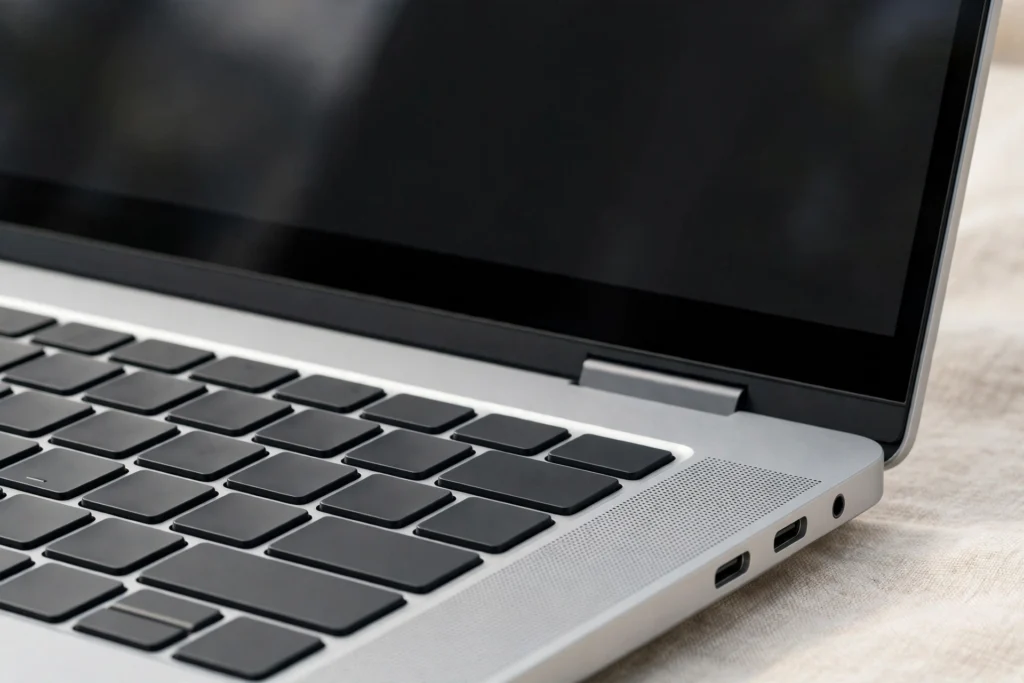
Processor and memory: the everyday difference
For most buyers, a current mid-range processor is plenty. What you will feel every day is memory and storage speed. Aim for at least 16 GB of RAM if you keep many browser tabs, apps, and documents open at once, and choose fast solid-state storage rather than a larger but slower drive. These two choices affect responsiveness far more than a small step up in processor branding.
Battery life beats benchmark scores
A laptop that scores well in a lab but dies by lunchtime is a poor travel companion. Look for real-world battery claims from independent reviews, not just the manufacturer’s best-case number, and check the weight and charger size if you carry it daily. A slightly heavier machine with all-day battery often serves a commuter better than a thinner one that needs an outlet by noon.
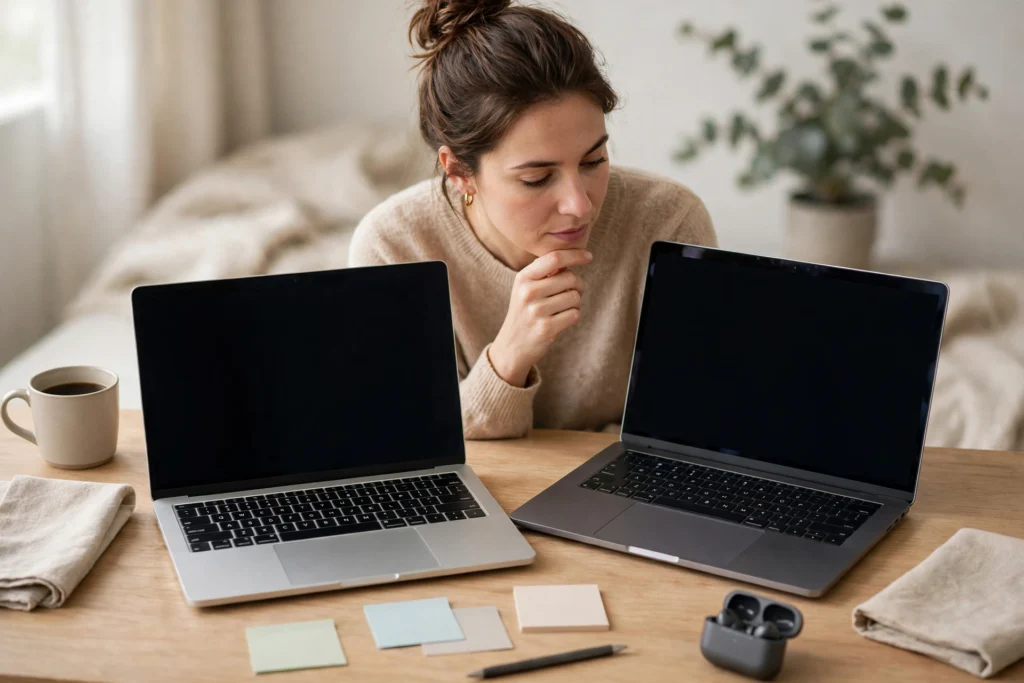
Screen, keyboard, and ports matter more than you think
You stare at the screen and type on the keyboard for hours, so brightness, resolution, and keyboard comfort deserve a hands-on check when possible. A bright, sharp display helps outdoors and during long reading sessions. Also count the ports you actually use: a missing headphone jack, card reader, or video output can mean living with dongles for years.
What you can safely ignore
Do not pay a large premium for a top-end processor you will never stress, a 4K display on a small screen used mainly for documents, or extreme thinness if it means a loud fan and a cramped keyboard. Marketing numbers are designed to impress; your daily routine is the better test.
A simple buying checklist
Before you buy, confirm the RAM and storage, the battery life in independent reviews, the warranty and repair options, and the return policy. Buy the laptop for the work you do now, with a little headroom for the next few years, and you will spend less while enjoying the machine more.
Related reading: slow laptop fixes in 2026, remote tech careers in 2026, AI coding assistants in 2026. External sources: Apple Mac lineup, Microsoft Windows PCs