
Why AI coding help is now normal
AI coding assistants have moved from novelty to daily tool for many developers. They autocomplete functions, explain unfamiliar code, write tests, and scaffold boilerplate in seconds. Used well, they remove repetitive work and let developers focus on design, edge cases, and product decisions. Used carelessly, they produce confident-looking code that is subtly wrong, insecure, or hard to maintain.

Treat AI output as a draft, not a decision
The most important habit is review. Read generated code the way you would review a colleague’s pull request. Check what it actually does, not what the comment says it does. Run it, test the edge cases, and ask whether a simpler approach would work. If you cannot explain a block of generated code, do not ship it.
Give the assistant better context
Vague prompts produce generic code. Share the relevant constraints: the language and framework version, the existing patterns in the file, the inputs and outputs, and what must not happen, such as deleting data or exposing a secret. Paste a small example of the surrounding code style when you can. Better context means fewer rewrites and fewer surprises.
Watch security and licensing closely
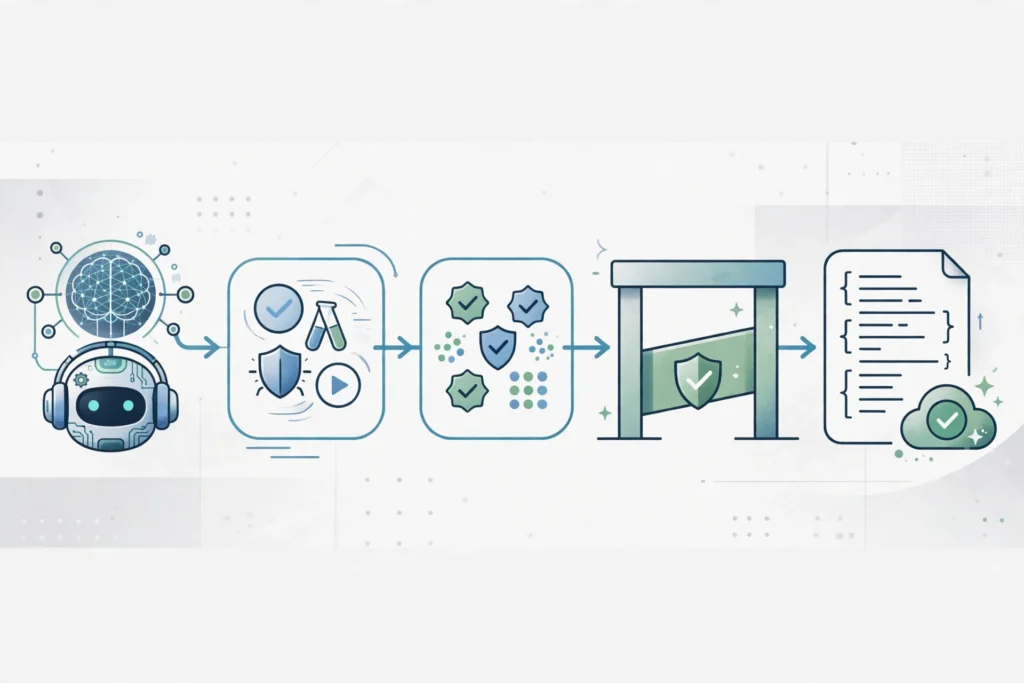
Generated code can repeat common mistakes: unsanitized input, weak authentication checks, hardcoded secrets, and outdated dependencies. It can also resemble code from public sources. Keep secrets out of prompts, scan dependencies, and run your usual security checks before merging. AI speed is not a substitute for those checks.
A practical workflow that works
Start with a clear plan for the feature, then use AI for the first draft, tests, and documentation. Keep functions small, write a test for the tricky path before you accept the implementation, and refactor anything you would not want to maintain in six months. Teams that do this well report faster delivery without a matching rise in bugs, because the human review step stays non-negotiable.
The bottom line
AI coding assistants reward developers who stay in charge. Use them to move faster on routine work, invest the saved time in design, testing, and review, and your code quality can improve rather than slip.
Related reading: Google DeepMind CodeMender, Black October API key breaches, remote tech careers in 2026. External sources: GitHub Copilot documentation, Build with AI in VS Code