Apple’s $299 HomeView smart display does not arrive until November 13, 2026, yet its software may already be giving away a feature Apple never mentioned on stage. Settings text found in HomeView Software 27.2 describes the display’s own camera working as a HomeKit Secure Video camera — turning a countertop hub into an indoor security camera as well.
That distinction matters. Apple announced HomeView as a viewer for other cameras, not as a camera itself. This finding, first circulated by code researcher pdfu on October 31, 2026, does not change the announced product — but it does suggest Apple is testing, or at least preparing, a much more useful second job for the hardware already on the device.
Important caveat first: code strings are not a product announcement. Apple has not confirmed this mode, and its presence in software does not guarantee it will ship at launch, or at all. Treat everything below as what the software describes, not as a promise.
What Was Found in HomeView Software 27.2
The discovery comes from settings text inside HomeView Software 27.2. One setup line reportedly reads: “Your HomeView can be used as a security camera with HomeKit Secure Video.” That is unusually direct for a hidden feature — it describes a user-facing mode, not just an internal test flag.
HomeView already has the hardware this mode would need: a 7-inch Liquid Retina display, a built-in camera used for FaceTime and face recognition, and a speaker base. The software configuration described in reports points to 1080p video at 30 frames per second with microphone input for HomeKit Secure Video sessions.
In other words, Apple would not need new hardware to add this. The camera that greets you by name could, in theory, also watch the room when you ask it to.
The Four Camera Modes Explained
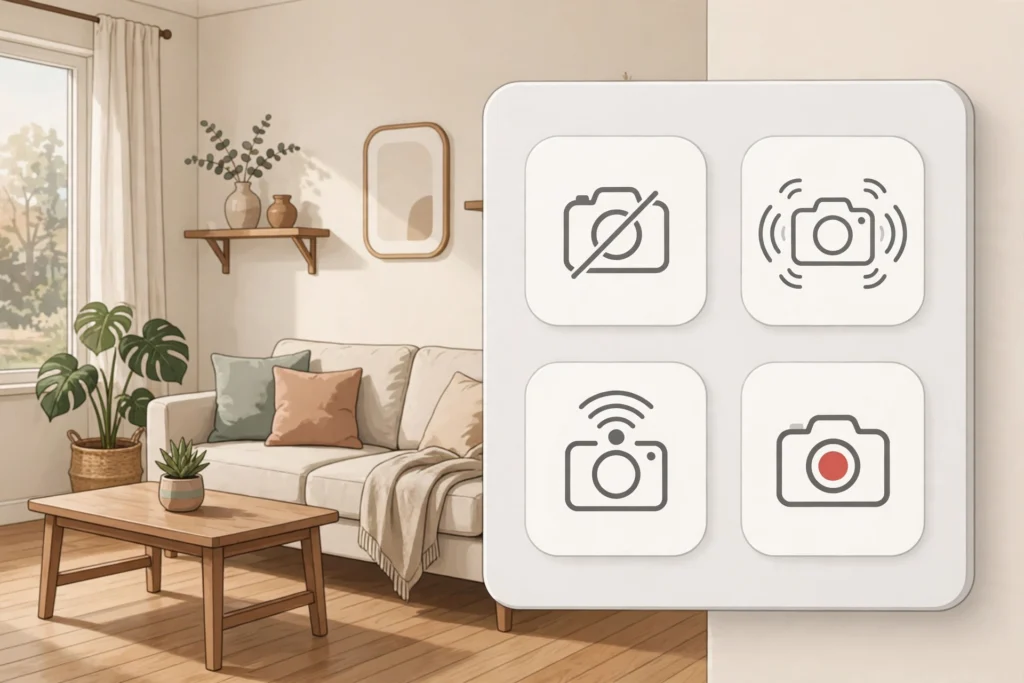
According to the reported strings, the mode would offer four levels of operation:
- Off: no motion detection, no streaming, and no recording.
- Detect Activity: the display watches for motion and can alert you, without streaming video or saving recordings.
- Stream: home members can watch a live view, but nothing is recorded.
- Stream & Allow Recording: live viewing plus automatic recordings through HomeKit Secure Video.
Those levels could also be set separately for three household states: When Home, When Away, and When Asleep. That separation is the practical heart of the feature. A household might want motion alerts only while away, a live view but no recording while home, and full recording overnight — all without changing settings every day.
For context on how Apple is reshaping its devices around new form factors, see our report on Apple’s first touchscreen MacBook Pro: https://inspireviraltimes.com/apple-new-macbook-pro-touchscreen/
Privacy Safeguards Built Into the Strings
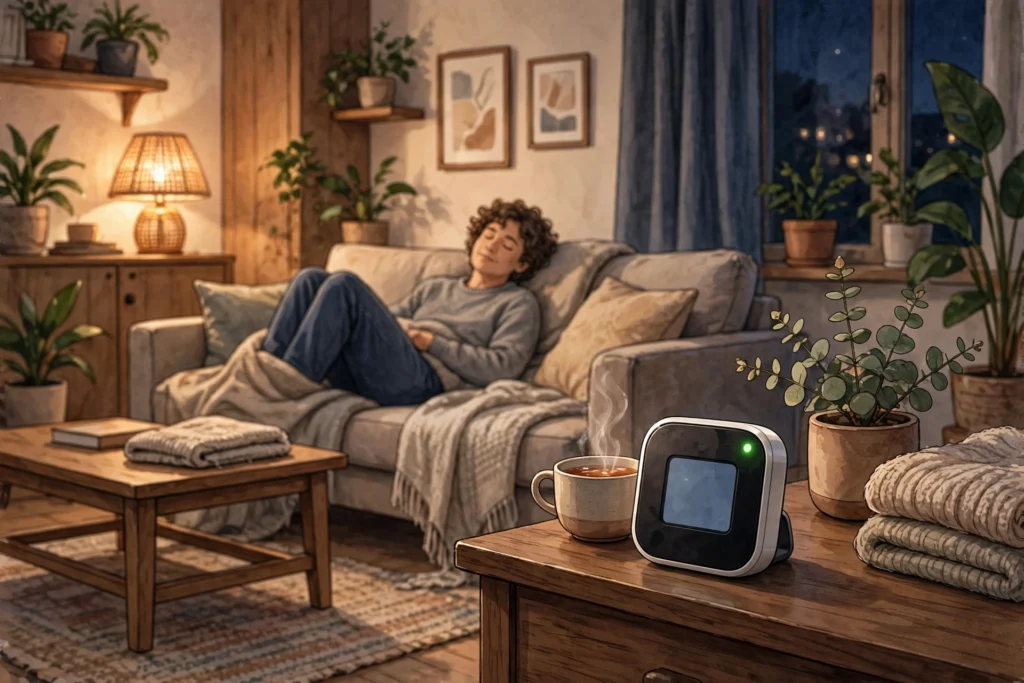
If this mode sounds intrusive, the reported safeguards are the most interesting part. Only members of the home would be able to view streams and recordings. A green light would appear on the display and a sound would play whenever someone opens the live view or a recording starts. Home members would also receive a notification whenever the HomeKit Secure Video settings change.
Another reported rule is stricter still: streaming and recording while people are home could only be switched on from the HomeView itself, not remotely. That design choice makes it much harder for someone to quietly turn a household display into a remote camera while others are in the room.
There is also a related detail about camera previews: when the Home app is open on a member’s device, HomeView may take photos to refresh its camera preview, again accompanied by a green light. The pattern is consistent — visibility first, no silent watching.
This on-device, privacy-first approach echoes a wider shift in tech, where processing moves closer to the user instead of always going to the cloud. For an example in dedicated hardware, read our coverage of an edge AI chip built for on-device inference: https://inspireviraltimes.com/regulus-edge-ai-chip-10-tops-under-3-watts/
What HomeView Already Does — and What This Would Add
Apple announced HomeView on October 13, 2026 as a smart home hub for music, video, FaceTime, smart home controls, and a more capable Siri. Its camera interface can already show feeds from separate cameras — reports note it can display up to nine feeds at once.
A built-in camera mode would close a gap. Instead of buying a separate indoor camera for the kitchen or living room, a household that already plans to put HomeView there would get a basic one included. It could also double as a baby monitor or pet camera, a use several early commentators have already flagged.
It would not replace a dedicated outdoor camera, a doorbell camera, or a pan-and-tilt camera. A fixed display on a countertop sees one room, from one angle, and its 1080p/30fps configuration is modest by modern camera standards. Its value is convenience and integration, not best-in-class surveillance.
Why Apple Has Not Announced It (Yet)
There are several plausible reasons for the silence. The feature may simply not be ready for the November 13 launch, and could arrive in a later update such as HomeView Software 27.3. It may also need further privacy review, since a camera in a shared living space carries different risks from a camera pointed at a front door.
Apple also has a history of holding back features that are technically present but not yet polished enough for its launch story. HomeView’s launch pitch is about a shared, personal hub — adding “and it can record your living room” to that pitch would change the conversation, even with strong safeguards.
External reporting on the finding is consistent on this point. MacRumors reports the four modes and scheduling options, while noting Apple has not announced the feature: https://www.macrumors.com/2026/11/02/apple-homeview-could-work-security-camera/ — iClarified quotes the same setup line and stresses the launch uncertainty: https://www.iclarified.com/103224/apple-homeview-could-double-as-a-homekit-security-camera-leak — Digital Trends notes the feature is not active in current software and Apple has said nothing about availability: https://www.digitaltrends.com/home/apple-might-be-turning-its-homeview-into-a-security-camera-and-it-makes-perfect-sense/
Should You Buy HomeView for This Feature?
No — not for this feature alone. Do not buy HomeView on November 13 expecting a security camera, because the mode may not be there on day one, and may never ship in this form. Buy it, if at all, for what Apple has actually announced: the display, FaceTime, music, smart home control, and Siri.
If the camera mode does arrive, it becomes a genuine bonus: one fewer device to buy, one fewer app to manage, and recordings handled through HomeKit Secure Video with household-only access. The first real test comes on launch day, when buyers can check whether the setting appears — and later, whether a software update adds it.
For now, the smartest takeaway is narrower and more useful: Apple’s $299 hub may already contain a second product, waiting for Apple to decide whether to switch it on. Watch the November 13 launch, and the software updates that follow, before counting on it.
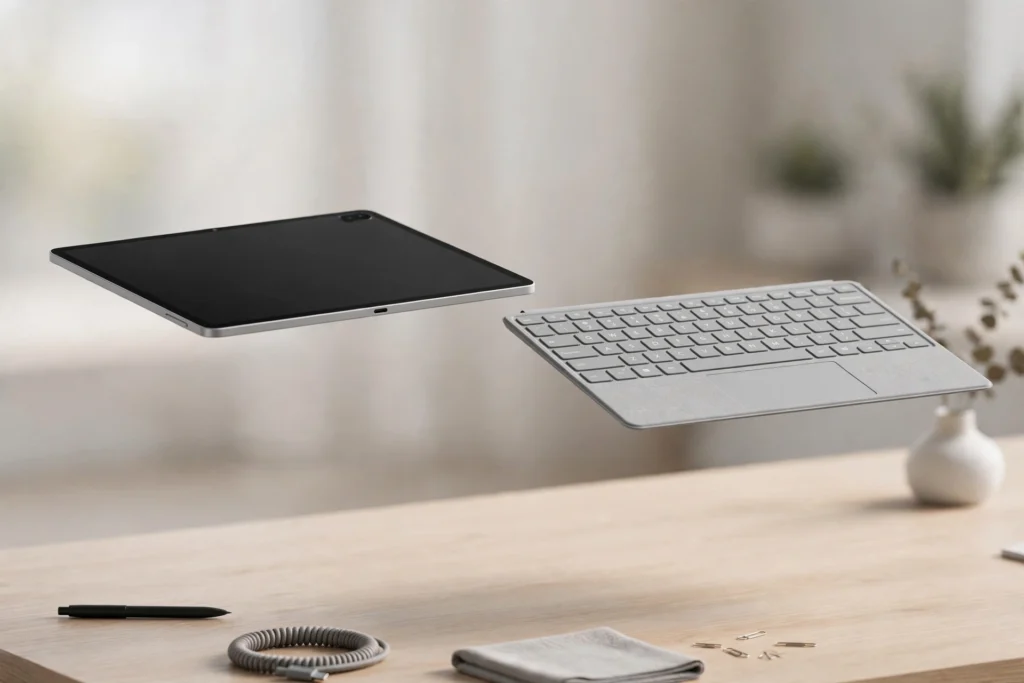
Related reading: Google’s detachable laptop-tablet direction shows how one device is increasingly expected to do two jobs: https://inspireviraltimes.com/googlebook-detachables-laptop-tablet-2026/