
Apple’s creative apps just got their biggest intelligence upgrade yet. The November update to Apple Creator Studio — the subscription bundle that packs Final Cut Pro, Logic Pro, Pixelmator Pro, Motion, Compressor, MainStage and the iWork apps into one $12.99-a-month package — is now rolling out to subscribers, and AI assistants are the headline. Announced in late October alongside the new M6 iMac and 14-inch MacBook Pro, the update brings chat-based AI helpers to video editing, music production and everyday documents alike.
For creators who live inside Apple’s apps, this is the moment the bundle stops feeling like a collection of separate tools and starts feeling like one connected studio. Here is what is new, what it costs, and where the catches are.
Final Cut Pro Gets MotionVFX Built In
The biggest single change for video editors is MotionVFX, now integrated directly into Final Cut Pro for Mac. Subscribers get native access to thousands of visual effects, transitions, titles, templates and motion graphics tools — including rotoscoping, tracking and colour grading — without leaving the timeline. Apple acquired the Poland-based effects developer, and this update is the payoff: what used to be a separate purchase is now part of the bundle.
Final Cut Pro also gains access to Apple’s curated Content Hub, which now includes stock video as well as photos and backgrounds. Editors can send any image from the timeline straight into Pixelmator Pro, edit it, and have the changes saved back to the project automatically — no manual export and re-import. Workflow improvements round it out: more keyframe easing options for finer animation control, and the ability to disconnect clips from the primary storyline and place them anywhere on the timeline.
Taken together, it is a clear shot at Adobe Premiere Pro. Final Cut Pro is included in the Creator Studio bundle at $129 a year, against $263.88 a year for Premiere Pro alone — and with MotionVFX built in, the value gap just widened.

Pixelmator Pro Adds Generate Fill
Pixelmator Pro catches up to Photoshop’s Generative Fill with a new tool called Generate Fill. Circle part of an image, describe the change you want in plain language, and the AI fills it in. It is the kind of feature that turns a ten-minute cleanup job into a ten-second one — removing an unwanted object, extending a background, or swapping a detail in a product shot.
For photographers and designers who already use Pixelmator Pro as a lighter, cheaper alternative to Photoshop, Generate Fill removes one of the last big reasons to keep a second app open.
Logic Pro’s New AI Assistant and Smarter Stem Splitter
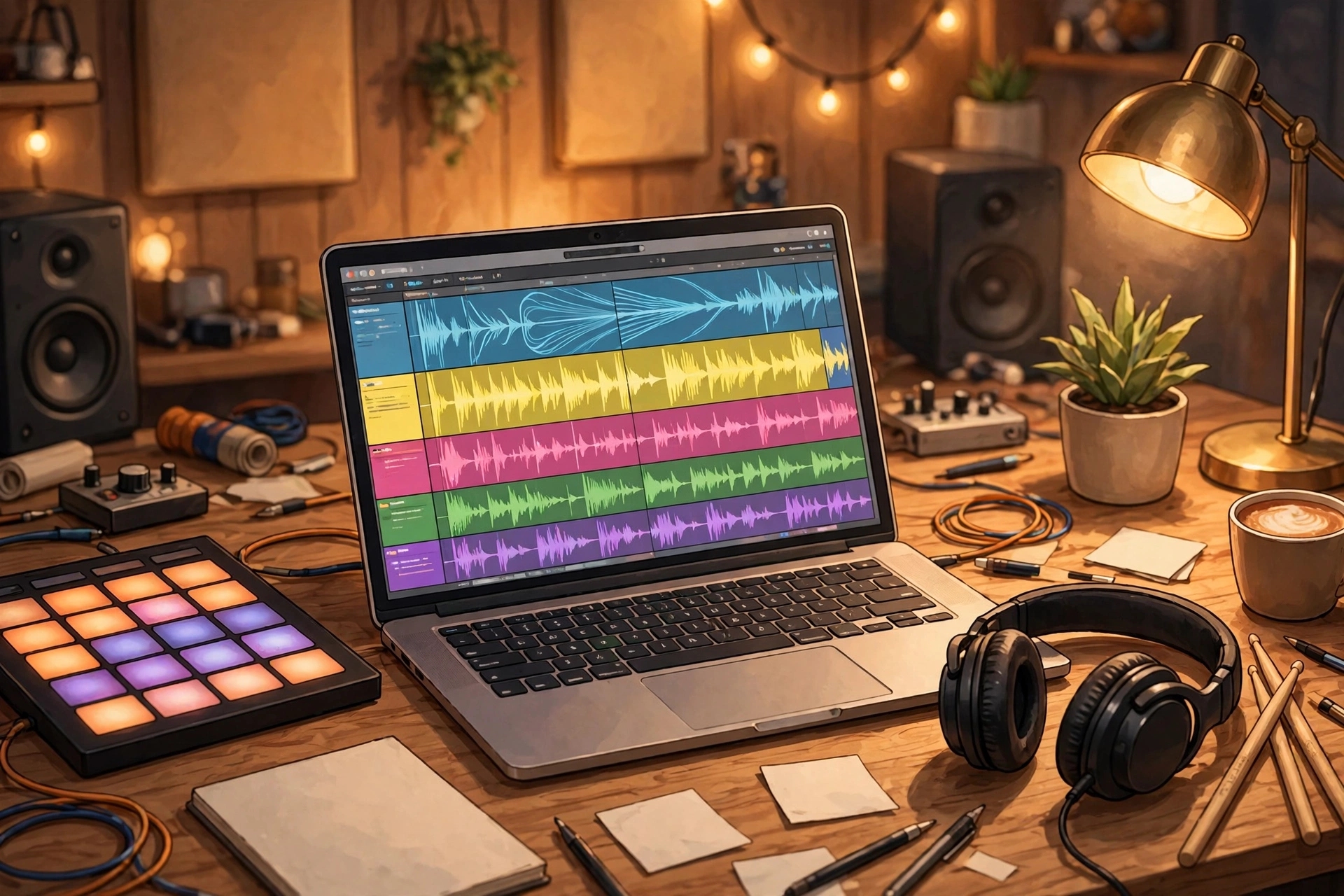
Music makers get the most intriguing addition: a new intelligent assistant in Logic Pro for Mac, powered by a combination of Apple-built models and OpenAI. Still in beta, it can help navigate production workflows, start a new song, set up a vocal track from a single prompt, or refine an active project. It is a chat-based helper that understands what you are working on, rather than a set of disconnected smart features.
There are limits to know about. The assistant is available only on Macs that support Apple Intelligence, only in US English, and it requires macOS 27 Golden Gate or later. That keeps it out of reach for a fair number of existing Logic users for now — though Apple has a habit of widening availability after a beta period.
Logic Pro also gets a redesigned Browser that brings loops, instruments, patches and other resources into one place, with on-device audio analysis to improve discovery and a Splice library built in. The Stem Splitter — which separates vocals and individual instruments from a finished mix — now lets you isolate, replace or rebalance drum parts without needing the original multitracks, a genuinely useful upgrade for remixers and producers working with stems they did not record. The app also gets a Liquid Glass redesign to match the rest of Apple’s current look.
Keynote, Pages and Numbers Get AI Assistants Too
The iWork apps are not left out. Keynote, Pages and Numbers gain AI assistants in beta that understand the context of the document you have open: they can help draft and revise writing, design slides, organise data, recommend charts and build tables. Apple has also added Model Context Protocol (MCP) support, designed to let the apps work with external AI tools and automate workflows.
The Content Hub’s stock video is available here too, alongside new premium themes and templates. It is a quieter set of changes than the Final Cut Pro overhaul, but for anyone who writes reports, builds decks or manages spreadsheets on a Mac, having an assistant that can see the document — not just a blank chat box — is the difference between a gimmick and a tool.
What It Costs, and the AI Limits to Watch
All of these updates are free for existing Apple Creator Studio subscribers. New subscribers pay $12.99 a month or $129 a year for the bundle, which covers the full set of pro and productivity apps on Mac and iPad.
One thing worth checking before you lean on the new assistants too hard: Apple applies usage limits to the AI features, and exactly how those limits work — and what happens when you hit them — is still being worked out in practice. If the assistants become part of your daily workflow, keep an eye on how much you are using them and what Apple says about the caps.
Why This Update Matters
Apple Creator Studio launched in January 2026, and this is the update that gives the bundle a clear identity. Rather than bolting AI onto each app separately, Apple is putting assistants everywhere a creator works — video, music, images, documents — and letting them share context through the same bundle. The mix of Apple Intelligence and OpenAI models is also notable: Apple is no longer pretending it can do all of this alone.
It is part of a wider shift. Gemini’s Computer Use on Mac puts an AI agent on the same desktop, Apple’s own AI agent for Mac is heading the same way, and rivals are moving just as fast — Adobe’s AI push at Adobe Max and the Adobe and Google’s AI partnership show the whole creative-software market racing to put AI inside every tool. The question is no longer whether your creative apps have AI, but whether the AI actually understands your work — and whether you trust it with it. On that front, the privacy trade-offs of AI agents and privacy are worth thinking about before you hand an assistant the keys to your projects.
The Bottom Line
The Apple Creator Studio update is live now in the App Store for subscribers. If you already pay for the bundle, update Final Cut Pro, Logic Pro, Pixelmator Pro and the iWork apps and try the assistants — the MotionVFX integration and Generate Fill alone are worth the download. If you do not subscribe, the $12.99-a-month price now buys a noticeably more capable studio than it did a month ago, and the gap with Adobe’s pricing keeps growing in Apple’s favour.