
GitHub has quietly extended one of its most familiar automation tools into a new kind of dependency. On November 3, 2026, the company announced that Dependabot version updates now support Agent Package Manager, or APM. For teams that already rely on Dependabot to keep libraries current, the change is easy to understand: the prompts, skills and instructions that shape how an AI coding assistant behaves can now be updated through the same pull-request workflow. That is a small technical step, but it reflects a larger shift in how software is built, because agent context is no longer a few notes tucked away in a repository. It is shared infrastructure, and it changes.
As GitHub’s changelog announcement explains, the new support is for version updates only, not security updates. That distinction matters, and it should shape how teams adopt the feature. Dependabot will propose newer versions of supported APM dependencies, but it is not claiming to scan agent skills for vulnerabilities or to judge whether a new prompt is safe. Review remains a human job.
What APM is, and why agent context became a dependency
APM is Microsoft’s open-source package manager for agent context. The idea is similar in concept to npm, but instead of JavaScript libraries, it manages the reusable pieces that tell an AI assistant how to work: skills, prompts, plugins, instructions and MCP servers. Teams declare those pieces in an apm.yml manifest, and running apm install places them into assistants such as Copilot, Claude Code, Cursor, Codex, Gemini and Windsurf.
That model makes agent behaviour portable and repeatable. A team can share a standard code-review skill, a testing prompt or a set of project instructions, and every developer’s assistant can start from the same baseline. The trade-off is familiar to anyone who has managed dependencies: once something is shared and versioned, it can go stale. A skill written for an older workflow may miss new conventions, a prompt may reference a tool that has changed, and an instruction set may quietly drift from what the team actually wants. Treating agent context as a dependency does not solve that problem by itself, but it gives teams a way to track, update and review changes instead of editing files by hand in many places at once.
The wider context helps explain why this matters now. Agents are becoming a routine part of development, not a novelty, and reports of AI agents starting 40% of GitHub pull requests show how quickly that work is scaling. At the same time, work on DeepSeek’s team coding agent and studies of AI agents scoring 12% on expert work remind us that agent capability is still uneven. Shared instructions can raise the floor, but they are not a substitute for judgment.
What Dependabot actually does for APM
Dependabot reads git dependencies declared under dependencies.apm and devDependencies.apm in apm.yml. When a newer version is available, it opens a pull request to update that entry and, when an apm.lock.yaml file is present, it regenerates the lockfile to match. That lockfile is important: it records the exact versions resolved, so a team can reproduce the same agent setup later and see precisely what changed in a pull request.
The update rules depend on how a dependency is pinned. Entries pinned to SemVer tags move to the latest SemVer tag. Entries pinned to a full commit SHA move to the newest annotated, non-prerelease release tag. Branch entries are more limited: they only change the lockfile, and they need an existing lockfile to work at all. In other words, Dependabot can keep a well-pinned APM setup moving forward, but it cannot invent structure where none exists.
For a clearer breakdown of those rules, see an explainer on which APM entries Dependabot updates. The practical lesson is to pin deliberately. A vague or inconsistent pin makes updates harder to review, and a pull request that looks routine may hide a meaningful change in agent behaviour.
How to enable Dependabot for APM
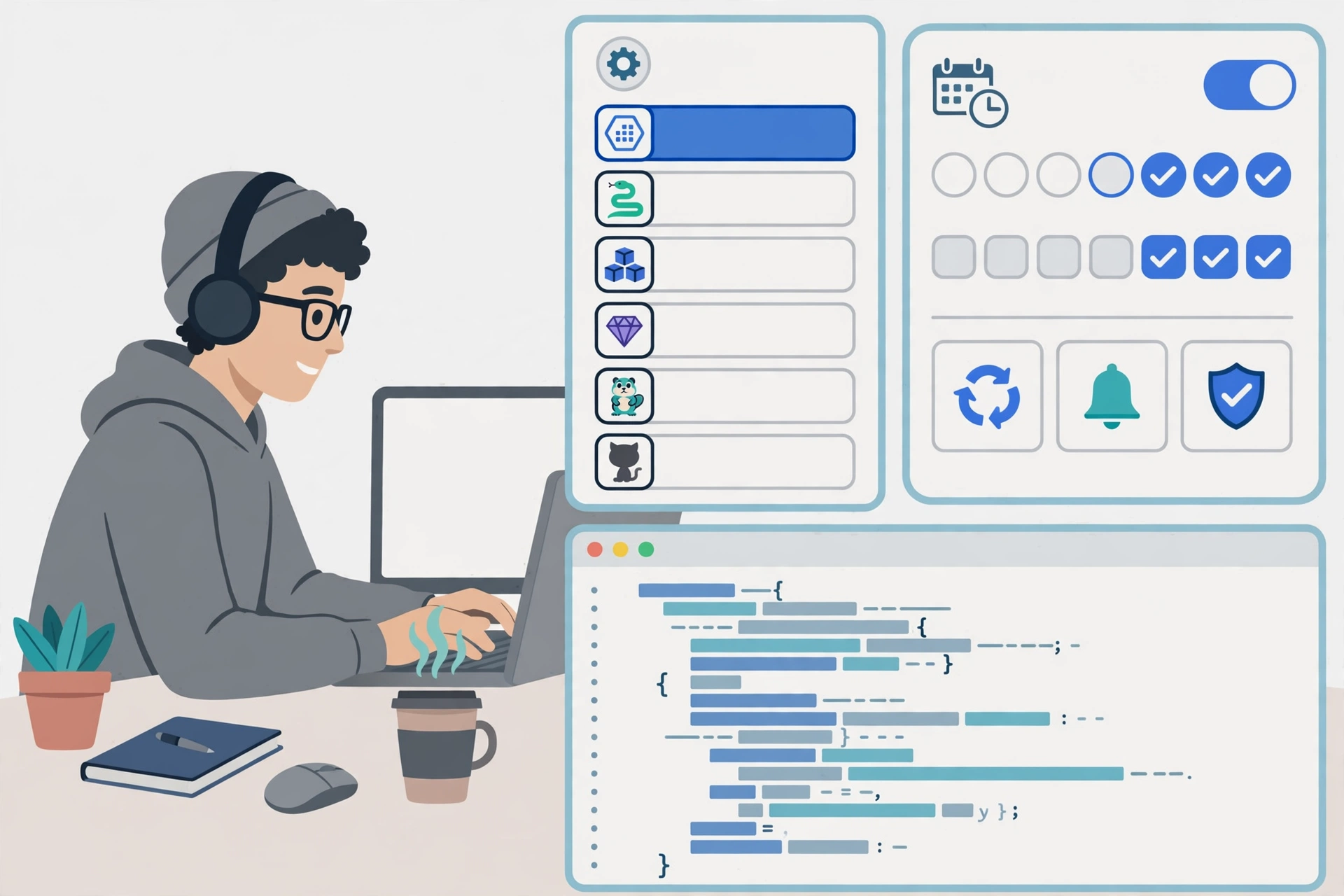
Enabling the feature follows the normal Dependabot version-updates pattern. Add an ‘apm’ entry to .github/dependabot.yml, specify the directory that contains apm.yml, and choose an update schedule. GitHub’s own guidance is covered in GitHub Docs on configuring Dependabot version updates, and the APM entry sits alongside other package ecosystems in the same file.
A minimal starting point is a weekly schedule pointed at the directory holding the manifest. That keeps the volume manageable while a team learns what APM updates look like in practice. If a repository has several apm.yml files in different directories, each directory needs its own consideration, and teams should decide whether one schedule fits all of them or whether different parts of a codebase should move at different speeds.
What this update does not do
The limits are as important as the feature itself. This release covers version updates only, not security updates. It does not create a lockfile where none exists, so teams that have not committed apm.lock.yaml will not get one automatically. It does not cover MCP entries, object-form entries that use git, registry, id or path keys, entries with no ref, local paths, Azure DevOps-hosted packages, http or git protocol URLs, or shortened SHAs.
Those exclusions are not footnotes. They define the boundary of what a Dependabot pull request can be trusted to show. If a dependency falls outside the supported set, it will simply not be updated through this route, and a team that assumes everything is covered may be surprised. The safest approach is to check the manifest against the supported forms before switching the feature on, and to keep any unsupported entries on a separate, explicit review routine.
Why this matters now for developer teams
Agent instructions are powerful precisely because they are invisible in day-to-day work. A developer may not notice that a skill has changed until an assistant starts suggesting a different pattern, writing tests in a different style, or following an outdated deployment step. When those instructions are updated by hand, the change is easy to overlook. When they arrive as a pull request, with a diff, a version number and a lockfile change, the change becomes visible and discussable.
That visibility also helps with governance. Questions about stopping rogue AI agents and broader AI agent governance are often framed as controls on models or tools, but much of the day-to-day risk sits in ordinary configuration: what an agent is told to do, which skills it loads, and who approved the change. A reviewable update workflow does not answer every governance question, but it moves agent context into the same accountability system teams already use for code.
Availability also lowers the barrier. The feature is generally available on github.com for all plans, with availability on GitHub Enterprise Server 3.24 to follow. Teams do not need a special tier to try it, which makes a small, careful pilot realistic for most organisations.
A practical checklist before you switch it on
- Review every APM pull request like a code change, because a changed prompt or skill can change agent behaviour.
- Pin dependencies to SemVer tags or full SHAs where possible, so updates are predictable and reviewable.
- Commit apm.lock.yaml to the repository, so the exact resolved versions are recorded.
- Start with a weekly schedule and a small repository, and watch the first few pull requests closely.
- Keep human review in the loop, even for updates that look minor, and do not merge on version number alone.
- Check for unsupported entries, such as MCP entries or local paths, and handle those separately.
- Agree who owns agent context on the team, so a Dependabot pull request has a clear reviewer.

The bottom line
Dependabot support for APM does not make AI agents safer by itself, and it does not turn prompt management into a solved problem. What it does is more modest and more useful: it brings agent skills, prompts and instructions into a familiar, reviewable update workflow. Teams that pin carefully, commit their lockfile, start small and review every pull request will get the most from it. Teams that treat APM updates as automatic housekeeping, without reading the diff, will miss the point. In a workflow where agents now do a real share of the work, keeping their shared instructions current, and reviewable, is worth doing properly.