
Google has put end dates on two of the most familiar names in the smart home. The company announced on Friday, November 20, 2026, as reported by 9to5Google, that the Nest app will stop working on January 25, 2027, and that Google Assistant will be retired from smart speakers and smart displays on August 2, 2027. Everything moves to the Google Home app and to Gemini for Home, Google’s newer AI assistant. If you still open the Nest app to check a camera or nudge the thermostat, here is what is changing, what transfers automatically, and what you need to do before the deadlines.
Two Dates to Mark on Your Calendar
The change comes in two stages, as reported by Droid Life. On January 25, 2027, the Nest app stops working on Android, iOS, and the web, including home.nest.com. From that day, the Google Home app is the only way to control your Nest devices remotely and receive their notifications. Then, on August 2, 2027, Google Assistant disappears from the company’s smart speakers and smart displays, replaced by the Gemini for Home voice assistant. There is one more date in between: Google will begin deleting Nest account data on March 25, 2027, so anyone still on an old Nest account needs to have migrated to a Google Account by then. Google says the consolidation lets it focus all of its engineering, security, and feature investment on one unified, modern experience, rather than maintaining two overlapping systems.
What Happens to Your Nest Devices
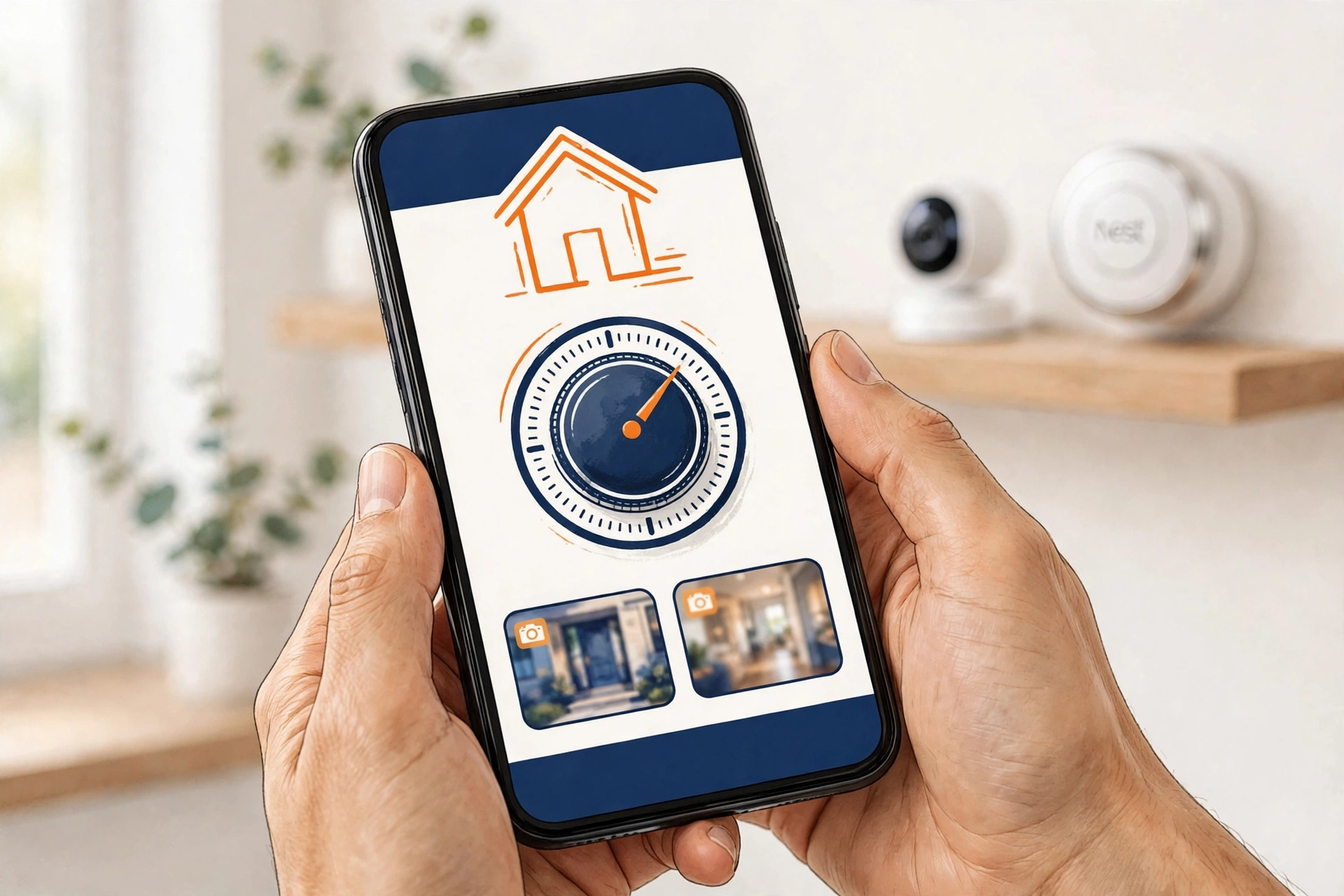
The good news is that most of the move happens on its own, as Particle notes. When you set up the Google Home app, Google transfers your devices, schedules, and camera and video history automatically. That covers the Nest Thermostat, Nest cameras and doorbells, Nest Protect (2nd gen), and the Nest x Yale Lock, along with the daily controls you already rely on. First-generation Nest Aware subscriptions also convert automatically to Google Home Premium, so subscribers do not need to re-enroll. There is one important exception: video clips you saved by hand do not transfer. Google provides a one-click “Download All” tool, and you should use it to save any custom clips before January 25, 2027, or they will be lost. The Home app also requires a Google Account, so households still signed in with a legacy Nest account should migrate now rather than waiting for the March 25 data-deletion deadline.
Gemini for Home Takes Over Voice Control
The voice side of the change is the bigger upgrade. Gemini for Home, which Google launched in October 2025, is built on the same Gemini models that power Google’s flagship AI products, including Google’s Gemini 4 Carbon and Gemini 4 Neon. Compared with the old Assistant, it is designed to handle more complex questions, follow pauses and changes of topic, and keep the context of a conversation instead of treating every command as a fresh start. You do not have to wait until August 2027 to try it: the upgrade is already available in many countries and languages, with Google expanding availability over the coming months. On your phone, open the latest Google Home app, tap your profile icon, open Home Settings, and tap “Get Started” on the “Set up Gemini for Home” banner. On a computer, the same upgrade is available at home.google.com/gemini.
Why Google Is Doing This Now
The retirement is the final step in a transition Google has been signalling for more than a year. Google Assistant has already been removed from Android phones, following its deprecation on mobile in September 2026, and Gemini has taken over as the default assistant there. The same pattern is now reaching the home: one assistant, Gemini, across phones, speakers, and displays, and one app, Google Home, for every device. The move also fits the wider industry shift toward always-on AI helpers that keep working in the background. Microsoft’s always-on Copilot Autopilot and OpenAI’s always-on ChatGPT Dots assistant both launched this month, and Google is betting that a Gemini-powered home can answer, plan, and act with far more context than the old command-and-response Assistant ever could.
What to Do Before the Deadlines
Start with the easy step: install the latest Google Home app and migrate your devices now, while both apps still work, so any hiccup can be fixed before January. Next, open the Nest app and use the “Download All” tool to save any custom video clips you want to keep, because those will not carry over. Check that each of your devices appears in Google Home with its schedules intact, and confirm your Nest Aware subscription has converted to Google Home Premium. Then upgrade your speakers and displays to Gemini for Home from the Home app’s settings, or at home.google.com/gemini, and spend a few days talking to it the way you actually talk — the natural-language handling is the main thing the old Assistant could not do. Finally, if you have older hardware, check Google’s transition page to confirm it is supported: some early Nest thermostats have already been dropped. Do the migration on your own schedule now, and the January and August deadlines will pass without a dark camera or a silent speaker.
The Nest app has been the face of Google’s smart home for more than a decade, and Google Assistant has answered “Hey Google” in millions of kitchens and living rooms. Their retirement is less a shutdown than a handover: the devices stay, the history mostly moves, and the voice that answers gets considerably smarter. Just do not leave the migration until the last week of January — your saved clips will not wait for you.