
Google’s experimental no-code AI app builder, Opal, shuts down today — November 17, 2026. If you built mini-apps with it, they stop running today, and nothing moves over automatically. The good news is that your work is not gone: the files behind those apps are still sitting in your Google Drive, and Google has spelled out exactly how to get your prompts back. The bad news is that recovering the files is only the first step. Anything your team still depends on needs a replacement, built and tested, before it can take over.
Opal was one of the friendliest ideas to come out of Google Labs. Launched in July 2025, it let anyone chain together prompts, AI models and tools in a visual editor and turn the result into a shareable mini-app — no programming required. It later expanded from the US to 160 countries, and people used it for everything from content generators and study tools to small business automations. Now, barely sixteen months after launch, the experiment is over. The service is graduating into Google’s core products, and the standalone Opal service is switching off.
What exactly is shutting down today
According to Google’s Opal shutdown FAQ, both Opal itself and “Gems made by Labs” in Gemini turn off on November 17, 2026. The hosted web endpoints go dark with them, including opal.google.com and the Breadboard hosted endpoints. Google has not specified an exact shutdown time, so apps may stop working at any point during the day.
The shutdown also reaches the open-source side of the project. The Breadboard and Opal ADK repositories on GitHub will be placed in read-only, archived mode after the November 17 graduation. They stay publicly accessible under their open-source licenses, so you can still view, clone or fork the code — but active development there is finished.
Regular Gemini Gems follow a different path. Under Google’s migration schedule, eligible Gems on adult personal accounts automatically transition to Skills on November 17. The original Gems become read-only before their scheduled removal on December 17. Workspace accounts follow a separate timetable in 2027. If you use Gems at work, check with your admin rather than assuming the personal-account dates apply to you.
What happens to your files
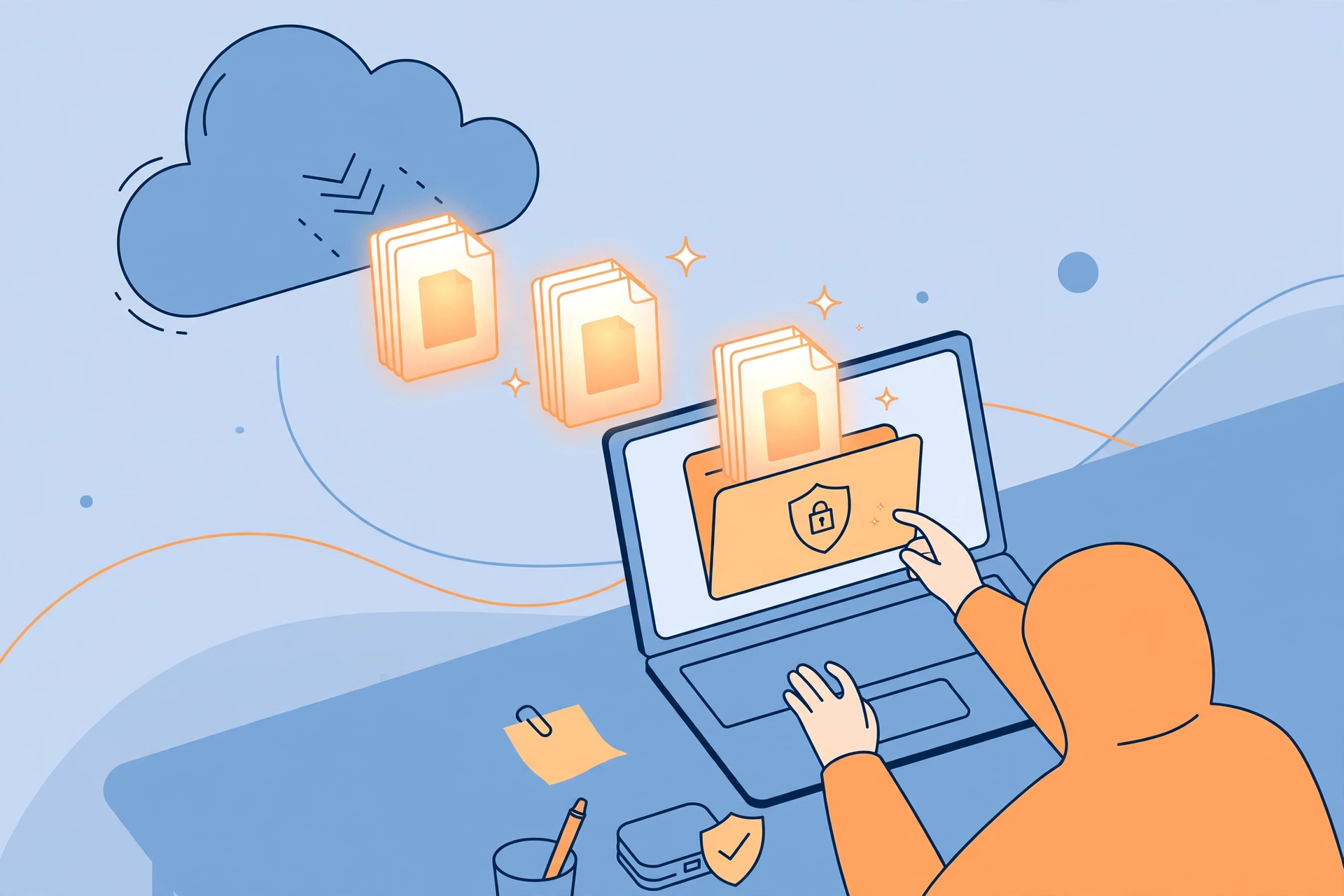
Here is the part most people get wrong: the shutdown does not delete your work. Google says your saved workflow files live in your personal Google Drive inside the “Opal” folder (My Drive > Opal), and Google will not delete or touch those files when the service turns off. What disappears is the service that runs them — after today, the workflows will no longer run interactively.
Recovering the thinking behind a mini-app takes a little manual work. After November 17, you can still retrieve your prompt text any time by downloading your workflow files from the Opal folder in Drive and opening them with any plain-text editor, such as Notepad or TextEdit. The files will not run on their own, but the prompts, instructions and structure are all in there, ready to be reused.
Before the shutdown, Google recommended opening your workflows on opal.google.com and copying any prompts or custom instructions you want to keep. If you are reading this after the switch-off, the Drive download route is the way in. Either way, do it sooner rather than later: the longer you wait, the harder it is to remember what each workflow was supposed to do.
Where to go next: Gemini Skills and Google AI Studio

Google is pointing Opal users toward two replacements, and neither is a one-click migration. The first is Skills in Gemini, the company’s newest core feature for saving and reusing custom instructions in chat. In its September 30 announcement, Google said everything it learned from Opal directly helped shape Skills — but existing Opal workflows will not automatically migrate, so you will need to set up any new skills or prompts manually.
Skills fit the simpler half of what Opal did: reusable instructions, repeatable tasks, and customized chat behavior. If your mini-app was mostly a well-crafted prompt with a few steps, a Skill is probably its natural home. But Skills are not mini-apps. They do not recreate Opal’s visual workflows, its multi-step chains, or its shareable app interface.
For the more ambitious half, Google recommends Google AI Studio, its environment for deeper prototyping and custom prompt experiments. AI Studio can handle complex, multi-step builds — but it expects more technical skill than Opal ever did. Some workflows will need additional development to get back to where they were, and that is worth knowing before you promise anyone a quick rebuild.
The honest summary is that Google has split Opal’s job in two: everyday reusable instructions go to Gemini Skills, and serious prototyping goes to AI Studio. Your job is to sort your old apps into those two buckets — and to accept that a few of them may not have a natural home in either.
A four-step plan to rebuild without losing work
If Opal powered anything your team still relies on, work through this checklist today rather than next week.
1. Inventory your applications. Open your Drive Opal folder and list every workflow: what it does, who owns it, and who uses it. Prioritize anything customer-facing or part of a recurring process. A forgotten mini-app that quietly generates a weekly report is exactly the kind of thing that breaks silently.
2. Preserve the dependencies. Download the workflow files, and record the prompts, configurations, integrations and sample outputs for each one. Save any generated files separately. A prompt without its example outputs is much harder to rebuild faithfully, and integrations — connected services, API keys, data sources — are the parts people most often forget until the rebuild stalls.
3. Review access. Check which services and credentials your Opal apps were connected to, and remove permissions that are no longer needed. A dead app that still holds live credentials is a security loose end. This matters most for shared apps: if you shared editor access, others could see your graph and prompts, so review who still has access to the underlying Drive files.
4. Test replacements before they take over. Rebuild the essential workflows in Gemini Skills or AI Studio, notify the people who use them, and run the replacements side by side with a manual alternative until you trust them. TechRepublic’s report on the shutdown makes the same point: recovering the files is only the beginning, and applications supporting real operations need working replacements, tested before they take over.
The bigger lesson: experimental AI tools need an exit plan
Opal’s shutdown is a useful warning about building on experimental AI tools. Google Labs products are, by definition, experiments — and experiments end. The same pattern has played out across the industry: a friendly tool launches, people build real workflows on it, and then it is folded into a bigger product or switched off entirely. The Microsoft 365 outage earlier this month was a different kind of failure, but it taught the same lesson — when a tool you depend on goes away, even briefly, the cost lands on you, not the vendor.
The defence is boring but effective: keep your prompts, data and logic portable. Opal users who treated the visual editor as the only copy of their work are now digging prompt text out of Drive files. Users who kept their prompts in a document, or in version control, can rebuild in an afternoon. The same applies to the AI tools you use every day — whether it is Google’s Gemini 4 Hydrogen for coding, The Complete Guide to GitHub Copilot for pair programming, or the latest model from Alibaba’s Qwen4-Max — the model changes, the tool changes, but your own prompts and processes are the part you actually own.
There is a parallel in the agent world, too. Claude Mythos ported itself to AMD GPUs in three days earlier this month — a reminder that AI capabilities move fast, and the ground shifts under tools that looked settled a month ago. Portability is not paranoia. It is the only durable strategy when the platforms keep changing.
What to watch next
Three things will tell us how this landing goes. First, whether Gemini Skills matures quickly enough to absorb the everyday Opal use cases — Google clearly wants it to, but a chat feature and a mini-app builder are different products, and the gap may take time to close. Second, whether AI Studio becomes genuinely approachable for the non-developers Opal served, or stays a tool for people who were already technical. And third, whether other Labs-style experiments get the same treatment: if Opal can go from launch to shutdown in sixteen months, every experimental AI tool deserves an exit plan from the day you start using it.
For now, the facts are simple: Opal stops running today, your files survive in Drive, and nothing migrates itself. If you built something you still need, download the files, save the prompts, and rebuild it somewhere it can live. The mini-app may be gone, but the idea behind it is yours to keep.