
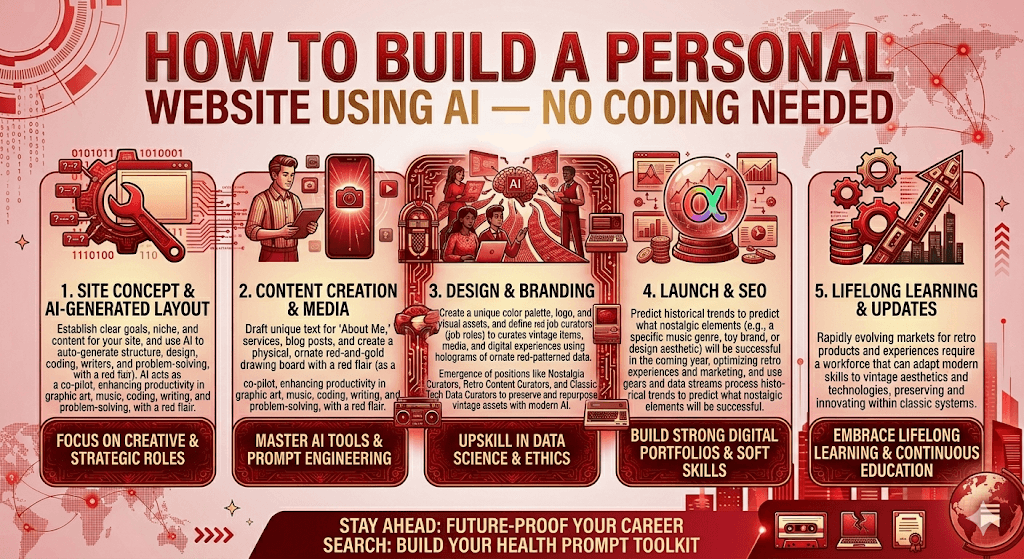
In 2025, you no longer need a developer, a design degree, or even a blank afternoon to launch your own corner of the internet. AI has changed everything.
A few years ago, building a personal website meant either hiring someone expensive or spending weekends wrestling with WordPress plugins. Today, a handful of AI-powered tools let you go from “I want a website” to a live, polished site in under an hour — sometimes in under five minutes.
Whether you’re a freelancer building a portfolio, a professional who needs an online presence, or just someone who wants a little piece of the internet to call your own — this guide walks you through exactly how to do it.
Why AI changes the game
Traditional website builders like Squarespace and Wix have been around for years. They’re fine. But they still require you to drag and drop things, pick fonts, stare at blank template pages, and figure out what to write. That creative friction stops a lot of people before they even get started.
AI-powered builders solve the blank-page problem. You type a short description of yourself and what you need, and the AI generates a complete site — layout, copy, images, color palette — in seconds. You tweak what you don’t like. You’re done.
Step-by-step: Building your site with AI
- 1Choose the right AI website builderPick a tool based on your goal. Framer AI is best for portfolios and creative work. Wix ADI suits personal or small-business pages. Durable is fastest for getting something live immediately. Hostinger’s AI builder offers a generous free tier.
- 2Describe yourself in one paragraphThe AI will ask: “What’s your website about?” Write 2–4 sentences. Be specific — “I’m a UX designer in Chicago who works with fintech startups” beats “I’m a designer.” More detail = better first draft.
- 3Let the AI generate your first draftMost tools produce a full site in under 60 seconds: homepage, about section, contact form, color scheme, and placeholder copy. Don’t worry if it’s not perfect — it’s a starting point, not the finish line.
- 4Edit with natural language (not code)Want a darker color palette? Type “make the background darker.” Need to add a testimonials section? Type “add three client testimonials.” Many modern AI builders now respond to plain-English instructions in real time.
- 5Add your real contentReplace placeholder text with your actual bio, projects, or contact info. Upload a real photo. This is the step most people skip — but it’s the one that makes your site feel like yours.
- 6Connect a domain and publishMost AI builders offer a free subdomain (like yourname.framer.website). For a professional look, connect a custom domain — usually $10–15/year from Namecheap, Google Domains, or right inside the builder itself.
Which AI builder should you use?
Framer AI
- Best for portfolios
- Stunning design quality
- Free plan available
- Custom domain from $10/mo
Wix ADI
- Great for non-creatives
- Guided question flow
- App marketplace
- Free tier with Wix branding
Durable AI
- Fastest generation (30 sec)
- Business-focused
- Built-in CRM tools
- From $12/mo
Hostinger AI
- Best value pricing
- AI content writer built in
- Includes web hosting
- From $2.99/mo
What to actually put on your site
This is where most people get stuck — not the technology, but the content. Here’s what every effective personal site needs.
A clear headline. Within three seconds of landing on your page, a visitor should know who you are and what you do. “Maria Chen — Product Designer helping SaaS companies simplify complex software” is infinitely better than “Welcome to my website.”
One good photo of you. Not a logo, not an abstract graphic, not a stock photo. A real photo. People connect with people, and a professional-ish headshot builds trust instantly.
Your work or story. If you have a portfolio, show three to five of your best pieces. If you’re not a visual creative, write two or three paragraphs about your background and what you’re working on. Keep it honest and specific.
A way to reach you. A simple contact form or an email address. You’d be surprised how many personal websites make this impossible to find.
Using Claude or ChatGPT to write your content
If writing about yourself makes you cringe, you’re in good company. Use an AI assistant to help. Open Claude or ChatGPT and try a prompt like this:
The output won’t be perfect, but it’ll be a starting point you can edit into something that actually sounds like you. Most people find it far easier to revise good AI-generated copy than to write from a blank page.
Common mistakes to avoid
Using someone else’s placeholder photo by accident is more common than you’d think — always replace every image the AI generates. Skipping a mobile preview is another frequent oversight; over 60% of personal site traffic comes from phones, so preview your site on a small screen before publishing.
Don’t publish without updating the page title and meta description. These are the two lines that show up in Google search results and when you share your link on social media. Most AI builders let you edit them without touching any code.
And finally: don’t let “I’ll finish it later” become “never published.” Put something live, even if it’s minimal. You can improve it — but only if it exists.
The barrier to having a personal website in 2026 is essentially zero. The tools are fast, free to start, and genuinely good. The only thing standing between you and your own corner of the internet is thirty minutes and something worth saying.
Start with Framer AI or Wix ADI today — both have free plans and take less than an hour to get something live.

