
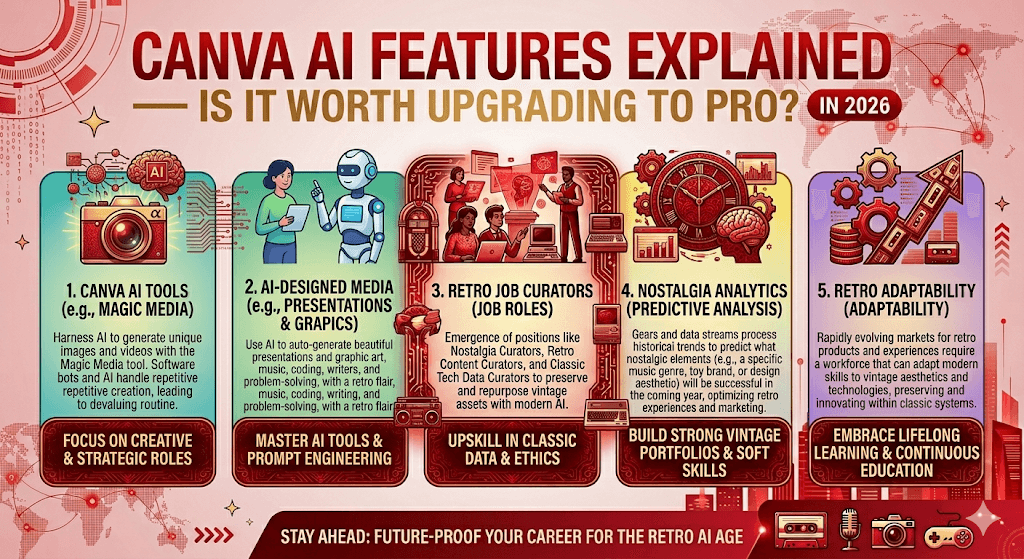
Canva has quietly transformed from a simple drag-and-drop tool into a full-blown AI-powered creative operating system. With over 260 million monthly users and $3.5 billion in revenue, the platform is now betting everything on artificial intelligence. But does that mean the Pro upgrade is finally worth it — or are you just paying for features you’ll never use?
- What is Canva’s Magic Studio?
- Every major AI feature, explained
- AI usage tiers: Free vs. Pro vs. Business
- Pricing breakdown (2026)
- Who should upgrade — and who shouldn’t
- Final verdict
Let’s be honest: Canva used to be the tool you opened when you needed a quick Instagram post and didn’t want to wrestle with Photoshop. That’s still true. But something has quietly shifted over the past year. The platform now lets you generate images from text, turn still photos into moving video clips, write copy, code interactive content, and build entire design systems — all without leaving the editor.
This isn’t just “we added an AI button.” In late 2025, Canva unveiled its Creative Operating System — described internally as the biggest product launch in the company’s history — built around a proprietary Canva Design Model, the first AI model trained specifically to understand design layers, hierarchy, brand logic, and layout rather than just flat images.
What is Magic Studio?
Magic Studio is Canva’s umbrella brand for all AI-powered features inside the platform. Think of it as the engine room. It covers everything from image generation and video creation to writing assistance, background removal, and full design generation from a text prompt — all in one place, no tab-switching required.
The key differentiator from competitors is that when you generate something with Canva AI, you get back a fully editable design with real layers — not a flattened image you have to rebuild from scratch. That’s a meaningful distinction for anyone who actually needs to use the output professionally.
Every major AI feature, explained
Here’s a clear-eyed look at what each tool actually does — and whether it’s genuinely useful or just impressive in a demo.
Ask Canva
A conversational AI assistant built directly into the editor. Describe what you need in plain language or voice, and get a fully editable design back. You can also @mention it in team comments for real-time design feedback loops.
Magic Design
Converts a short text brief or uploaded asset into multiple ready-to-edit design options — presentations, social posts, posters, thumbnails. Especially powerful when combined with your saved Brand Kit.
Magic Media (Image + Video)
Text-to-image and text-to-video generation inside Canva. The image generator now competes seriously with Midjourney and DALL·E for everyday marketing use cases. A new “Animate Photo” feature (added early 2026) adds subtle motion to still images — great for Reels and TikTok.
Magic Write
AI copywriting directly inside the canvas. Captions, taglines, headlines, email subject lines. Treat it as a first-draft engine — it’s fast, decent, and keeps you from staring at a blank text box.
Magic Edit & Magic Eraser
Remove objects, expand backgrounds, and swap elements using prompts inside Canva’s photo editor. Practical for product photography cleanup and scene extensions without needing Photoshop.
Canva Code
A “vibe coding” feature that lets you describe interactive forms, widgets, or mini-apps in plain language and get working code. Forms connect directly to Canva Sheets, so data flows automatically into slide decks as it comes in.
Beyond Magic Studio, Canva also acquired Affinity (the professional design suite) and rebuilt it to sit within the Canva ecosystem, adding vector design, advanced photo editing, and layout tools. Affinity AI features — including Generative Fill, Expand, and Generate Images — are available on paid plans only.
AI usage tiers: what you actually get
This is where things get a bit nuanced. Canva doesn’t restrict AI to paid plans entirely — but it does meter it aggressively. There are three tiers of AI tools: Standard, Premium, and Ultra. All three share a single monthly AI allowance that resets on your billing date.
| Plan | Standard AI uses | Premium AI uses | Ultra AI uses |
|---|---|---|---|
| Free | Up to 200/month | Up to 20/month | None |
| Pro / Teams | Up to 2,000/month | Up to 200/month | Up to 20/month |
| Business | Up to 4,000/month | Up to 400/month | Up to 40/month |
| Enterprise | Up to 4,000/month | Up to 400/month | Up to 40/month |
Pricing breakdown (2026)
Canva’s pricing restructure has been one of the more controversial moves in the SaaS world recently. Here’s where things stand as of April 2026:
| Plan | Price | Best for |
|---|---|---|
| Free | $0 | Casual creators, testing the platform |
| Pro | $15/mo or $120/year | Solo creators, freelancers, professionals |
| Business | $20/user/mo or $200/user/year | Small teams, marketers, solopreneurs needing collaboration |
| Enterprise | Custom (typically $2k–$30k/year) | Large orgs, Fortune 500 (used by 95% of them) |
The elephant in the room: Teams plan pricing. Canva moved away from a flat team fee to a mandatory per-person model, which means a team of five that previously paid ~$120/year is now looking at $500–$1,000/year depending on the plan. That’s a 300%+ increase that caught a lot of small businesses off guard.
Canva positioned the increase around the value of the new AI tools. Whether that argument lands depends entirely on how much of Magic Studio your team actually uses.
Who should upgrade to Pro — and who shouldn’t
Upgrade if you…
- Create content daily or weekly
- Need 100M+ premium templates & assets
- Want unlimited Brand Kit storage
- Use AI image generation regularly
- Need SVG/CMYK export for print
- Want 100GB cloud storage
- Produce video content for social media
Stick with Free if you…
- Only make a few designs per month
- Don’t need premium stock assets
- Have no print or professional output needs
- Already use dedicated tools (Midjourney, ChatGPT)
- Are a student or nonprofit (special plans available)
- Don’t care about brand consistency tools
For freelancers and content creators: The math is simple. At $120/year (~$10/month), if Pro saves you even 30 minutes a month compared to using separate tools for image generation, copywriting, and design — it pays for itself. The Brand Kit alone is worth it for anyone with a consistent visual identity.
For small teams: The calculus is harder. The jump to Business ($200/user/year) is steep, especially if you only need collaboration features and not the full AI suite. Run the numbers honestly: are you paying for tools you’ll use, or tools you might eventually use?
Is Canva Pro worth it in 2026?
For most individual creators and professionals who produce content regularly, yes — Pro is genuinely worth it. The combination of a 10x AI usage allowance, access to Premium and Ultra AI tools, unlimited premium assets, and professional export options (SVG, CMYK) makes the $120/year price point a fairly easy call.
The more interesting question is whether Canva has become your primary creative tool or a supplementary one. If you’re still jumping between Canva for layout, ChatGPT for copy, and Midjourney for images — Pro starts to consolidate that stack meaningfully. If you’re a casual user happy with the free tier’s templates, there’s no pressure to upgrade.
For highly specialized work — complex 3D design, advanced video production, or deeply customized AI image generation — dedicated tools like Runway or Midjourney still hold an edge. But for the vast majority of everyday creative tasks: social graphics, presentations, email design, ad creatives, and short-form video — Canva handles it all in one place now.
Quick verdict scorecard
Pricing and feature availability can change. Always verify current plans at canva.com/pricing before making a decision.

