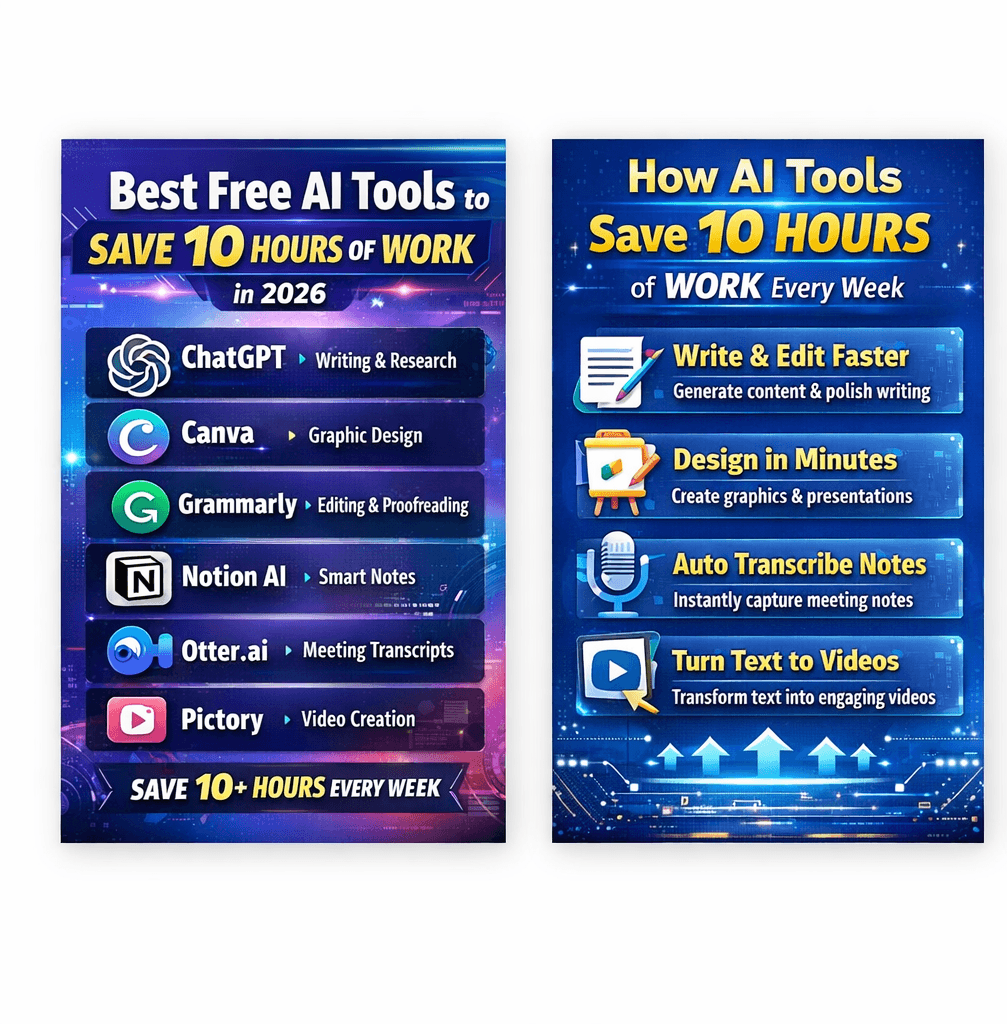
IIn 2026, artificial intelligence is no longer just a futuristic concept — it’s a practical tool that helps people work faster, smarter, and more efficiently. From writing emails to designing graphics and editing videos, AI tools can now automate tasks that once took hours to complete.
Many professionals, entrepreneurs, students, and creators are saving 10+ hours every week simply by using the right AI tools.
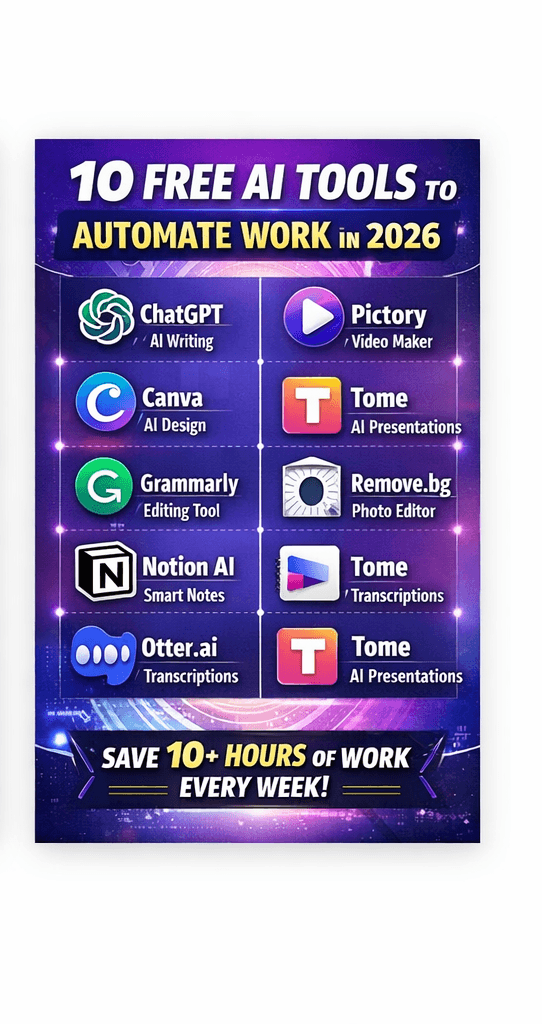
IIn this article, we’ll explore the best free AI tools that can replace hours of manual work, boost productivity, and help you focus on more important tasks.
1. ChatGPT – Your AI Writing and Research Assistant
One of the most powerful AI tools available today is ChatGPT. It can generate content, answer questions, summarize documents, and even help with coding.
What it can do
- Write blog posts and articles
- Generate emails and reports
- Create marketing copy
- Summarize long documents
- Assist with coding and debugging
Time saved
Tasks that normally take 2–3 hours of writing and research can often be completed in 10–15 minutes.
The free tier now delivers strong multimodal performance (text + images + voice + basic data analysis + limited web access in some regions).
It shines for brainstorming, quick drafts, learning new topics, casual coding help, voice-to-text transcription, and simple image generation.
Typical savings: 2–4 hours/week on miscellaneous tasks—research snippets, first drafts, email replies, social media captions, basic spreadsheets.
Access: chatgpt.com or mobile app
This makes it one of the most valuable AI tools for bloggers, marketers, students, and businesses.
2. Canva – AI-Powered Design in Minutes
Graphic design used to require professional skills and expensive software. Now, tools like Canva allow anyone to create stunning visuals in minutes using AI.
AI features
- Magic Design for instant layouts
- AI image generation
- Automatic background removal
- AI presentation builder
What you can create
- Social media posts
- YouTube thumbnails
- Blog graphics
- Marketing presentations
Time saved
Design tasks that once took hours in Photoshop can now be completed in 5–10 minutes.
3. Grammarly – Instant Editing and Proofreading
Editing and proofreading can be incredibly time-consuming. Grammarly uses AI to instantly improve writing quality.
Key features
- Grammar and spelling correction
- Tone detection
- Sentence clarity improvements
- AI writing suggestions
Best for
- Bloggers
- Students
- Business professionals
- Content creators
Time saved
Instead of manually reviewing documents for hours, Grammarly can polish your writing instantly.
4. Notion AI – Smart Note-Taking and Content Creation
Productivity platforms are evolving rapidly, and Notion AI is leading the way.
It can turn messy notes into organized documents and generate content within seconds.
What it helps with
- Meeting summaries
- Task lists
- Blog outlines
- Brainstorming ideas
- Research summaries
Time saved
Planning, organizing, and summarizing information can be reduced from 2 hours to just a few minutes.
5. Otter.ai – Automatic Meeting Notes
Meetings often produce valuable information, but writing notes manually is inefficient.
Otter.ai records conversations and converts them into accurate transcripts automatically.
Benefits
- Real-time meeting transcription
- Speaker identification
- Automatic summaries
- Searchable notes
Time saved
No more manual note-taking — saving several hours each week.
6. Pictory – Turn Text Into Videos
Video content dominates social media, but video editing can take hours. Pictory uses AI to transform text into engaging videos.
What it can do
- Convert blog posts into videos
- Auto-generate subtitles
- Create social media clips
- Summarize long videos
Best for
- YouTubers
- Bloggers
- Social media marketers
Time saved
Editing and producing videos can drop from 5 hours to under 30 minutes.
7. Tome – Create Presentations Instantly
Building presentations manually often takes hours. Tome uses AI to generate professional slides automatically.
Features
- AI-generated slide decks
- Visual storytelling layouts
- Content suggestions
- Easy editing tools
Perfect for
- Students
- Startups
- Business presentations
Time saved
A 2-hour presentation design task can be completed in minutes.
8. Remove.bg – Instant Photo Editing
Removing backgrounds from images used to require complex editing tools.
Remove.bg uses AI to remove image backgrounds automatically in seconds.
Ideal for
- Product photos
- Profile pictures
- Marketing graphics
- Social media visuals
Time saved
Image editing tasks drop from 20 minutes per image to just a few seconds.
Why AI Tools Are Transforming Productivity
AI tools are revolutionizing the way people work. Instead of spending hours on repetitive tasks, professionals can now focus on creativity, strategy, and decision-making.
Here are the biggest benefits:
1. Massive Time Savings
AI automates repetitive tasks such as writing, editing, data organization, and design.
2. Increased Productivity
You can accomplish more work in less time.
3. Lower Costs
Many powerful AI tools offer free plans, making them accessible to everyone.
4. Better Quality Output
AI tools improve writing, design, and organization with intelligent suggestions.
The Future of AI-Powered Work
Artificial intelligence is rapidly transforming the workplace. Experts believe that in the coming years, AI will become a core productivity partner for professionals across every industry.
Companies like OpenAI, Microsoft, and Google are investing billions into AI development, meaning the tools available today will only become more powerful.
Soon, AI will not just save 10 hours of work — it could potentially automate entire workflows.
Some Other tools
1. Claude (Anthropic) – Best All-Round Writing & Reasoning Partner
Claude’s free tier (running advanced models like Sonnet) excels at long-form writing, deep editing, structured reasoning, summarizing huge documents, and following complex instructions without losing context.
Typical savings: 4–6 hours/week on emails, reports, essays, blog posts, proposals, or content creation. Many users report Claude replaces entire writing & editing workflows that once ate full afternoons.
Access: claude.ai (generous daily message limits on free plan)
3. Google Gemini – Deep Research & Google Ecosystem Integration
Gemini free tier includes web search, deep research mode on many queries, file uploads, and tight integration with Gmail, Docs, Sheets, Slides, and Drive.
It’s especially powerful for fact-checked research, turning PDFs/PPTs into summaries/outlines, and creating presentation slides from prompts.
Typical savings: 3–5 hours/week on research, report outlining, slide deck creation, and email management.
Access: gemini.google.com
4. Perplexity AI – Lightning-Fast, Source-Cited Research
Perplexity remains one of the cleanest ways to get accurate, citation-backed answers with follow-up questions.
Ideal when you need trustworthy information fast without digging through 15 browser tabs.
Typical savings: 2–4 hours/week on research-heavy tasks (market analysis, learning new domains, fact-checking, competitor intel).
Access: perplexity.ai
5. NotebookLM (Google) – Your Personal Research & Study Assistant
Upload PDFs, web links, YouTube videos, audio notes—NotebookLM creates study guides, timelines, FAQs, briefing docs, and even podcast-style “Audio Overviews.”
In 2026 it’s one of the best free tools for digesting large volumes of information.
Typical savings: 3–6 hours/week when preparing reports, studying, onboarding, or synthesizing meeting notes + articles.
Access: notebooklm.google
6. Grok (xAI) – Unfiltered Answers & Real-Time X Integration
Grok’s free access (with usage quotas) provides direct, less-censored responses and excellent real-time awareness via X posts and trends.
Great for current events, controversial topics, creative brainstorming without heavy safety rails, and quick witty drafts.
Typical savings: 1–3 hours/week on trend monitoring, social media content ideation, and unconstrained creative work.
Access: grok.x.ai or X platform
7. DeepSeek / Qwen / Other Open High-Quality Coders (via Chat Interfaces)
Several free high-performance coding models (DeepSeek Coder, Qwen series, etc.) are accessible through chat platforms or free playgrounds.
They generate, debug, explain, and refactor code at near-GPT-4o levels without subscription.
Typical savings: 4–8 hours/week for developers or anyone who codes occasionally—boilerplate, bug fixes, learning new stacks, converting ideas to scripts.
Access: chat.deepseek.com, various Hugging Face spaces, or integrated in free IDEs
9. Remove.bg + Photopea – Instant Background Removal & Free Photoshop Alternative
Remove.bg instantly removes backgrounds (free for low-res, very cheap credits for HD). Photopea is a free browser-based Photoshop clone with AI features creeping in.
Together they replace hours of manual image editing.
Typical savings: 2–4 hours/week for anyone creating product photos, social content, presentations, or marketing assets.
Access: remove.bg & photopea.com
10. Zapier Central / Make (Free Tiers) + Claude/Gemini Prompts – No-Code Automation
Describe workflows in plain English → Zapier Central or Make’s AI turns them into automations (limited free tasks/month).
Combine with Claude/Gemini to plan complex flows.
Typical savings: 5–10+ hours/week once you automate repetitive email sorting, data syncing, social posting, lead capture, report generation.
Access: zapier.com or make.com free plans
The New Math of Work in 2026
Individually, each tool might save 2–6 hours per week. Combined intelligently (Claude for writing + Gemini for research + Canva for visuals + Zapier for automation), many users quietly eliminate 10–25 hours of weekly grunt work.
The real transformation isn’t the tools themselves—it’s the mindset shift: stop doing what AI can do better/faster, and redirect that energy toward creativity, strategy, relationships, and rest.
Which of these have you already tried? Which one are you most excited to add to your stack this week?
AI tools are changing the way we work, learn, and create. The best part is that many of the most powerful tools are completely free to start using.
By integrating tools like ChatGPT, Canva, Grammarly, Notion AI, and Otter.ai into your workflow, you can save hours every week and dramatically increase productivity.
The smartest professionals in 2026 are not working harder — they are working with AI.